
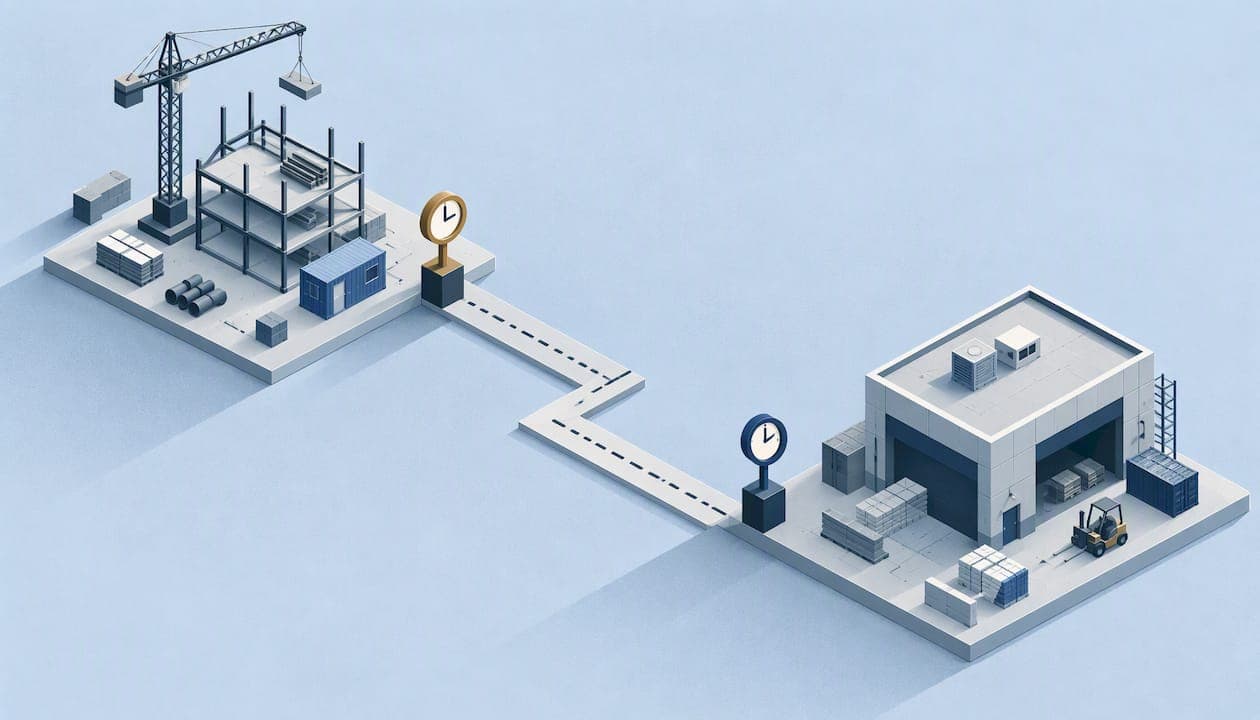
To track time across several job sites, you need three things: a clock-in that proves who punched and where, a site assigned to every punch, and a review step before payroll. Paper sheets, shared tablets and texted hours fail on all three once crews split across locations. This guide shows what to look for, how to set it up in a week, and how to do it without turning attendance into surveillance.
TL;DR
- Every punch should carry three facts: the person (verified), the place (checked against the job site) and the time.
- Use geofences and clock-in and clock-out checks, not a continuous location trail. It is easier to defend and easier to explain to your crew.
- Keep a correction path for missed or extra time. GPS should support accurate pay, never block it.
- Plans for field teams at Clock-Me start at $0 per month, with paid tiers from $31.99 per month.
- Dry-run the payroll export before you go live.
Table of Contents
- Why several job sites break ordinary timekeeping
- What to require from a multi-site time tracker
- How to set up multi-site tracking in a week
- GPS, privacy and the law: keep it to events
- Our perspective: verify the punch, not the person's day
- Plans and what they cost
- Mistakes we see when companies add sites
- What good looks like after 30 days
- FAQ
- Sources
Why several job sites break ordinary timekeeping
One site has a foreman who watches the gate. Three sites do not. The problems show up in the same order at almost every company that adds locations:
- Hours drift. Crews round to the nearest half hour, or write times from memory at the end of the week.
- Buddy punching. A coworker clocks someone in from the truck. Without identity checks, nobody can tell.
- Wrong site, wrong cost. A worker moves between locations mid-day and all hours land on the first job. Job costing and certified payroll suffer.
- Late timesheets. Supervisors chase photos of paper sheets on Friday afternoon, and payroll waits.
The fix is not more paperwork. It is capturing the right data at the moment of the punch. Our guide on tracking multiple job sites for payroll compliance goes deeper on the payroll side. For crews in the trades, construction time tracking for managers covers the first four weeks of rollout.
What to require from a multi-site time tracker
Search results for this topic are full of feature lists. Most tools look alike on a checklist, so judge them on the criteria that change your payroll and your risk.
| Requirement | Why it matters across sites | What to ask |
|---|---|---|
| Verified GPS at punch | Proves the punch happened at the job, not at home | Is location captured only at the punch, or all day? |
| Identity verification | Stops buddy punching | Is there a photo or biometric check, and device-based fraud detection? |
| Geofencing per site | Flags punches outside the site boundary | Can you set a different radius for each site? |
| Site or job assignment | Keeps hours and cost on the right job | Can a worker switch sites in one tap? |
| Live dashboard | Shows who is on site now | Can a supervisor see only their own sites? |
| Approval and attestation | Gives you a clean record before payroll | Does the worker confirm the timecard? |
| Payroll export | Removes retyping | Can you map fields to your payroll system? |
| State compliance features | Meal and rest rules differ by state | Are they built in or left to you? |
Treat a long feature list with caution. Independent software comparisons show that "free time tracking" usually means project timers and reports. Identity checks, geofencing, fraud controls and live attendance need to be evaluated separately, not assumed from a free label.
How to set up multi-site tracking in a week
You do not need a long project. A small crew can be live in days. For the device side, see how to deploy a mobile time clock in days.
- List every site and its real boundary. A fenced yard needs a tight radius. A large building campus or a long road project needs a wider one, or several smaller zones.
- Create each site in the system with its name, address and geofence. Use the same names your payroll or job costing uses.
- Add employees and assign sites. Give each person only the sites they work, so the one-tap clock-in shows a short list.
- Turn on identity verification. Decide what happens when a check fails: block the punch, or flag it for supervisor review. Flagging is gentler during the first two weeks.
- Set approval roles. Name who approves hours per site, and who covers when they are out.
- Map payroll fields and run a dry run. Export one past week for a handful of workers and compare it with what you actually paid. Our walkthrough on mapping time tracking fields for payroll shows how.
- Brief the crew. Tell them what is collected, when, and why. Show them how to report a missed punch.
A pilot at one or two sites for a week catches most surprises: a geofence too small for a loading dock, a site with no signal in the basement, a worker with an old phone.
Handling workers who move between sites
Most errors happen at the transition. Set a simple rule: workers clock out at one site and clock in at the next, and travel time follows your pay policy. If travel between sites is paid time, make that explicit so supervisors do not edit it by hand. Check your state rules, and ask an employment attorney or your state labor agency about travel time before you decide.
Handling bad signal
Underground work, remote yards and steel buildings weaken GPS. Agree on a fallback before it happens: the supervisor adds a note, the punch is flagged, and the correction is approved at the end of the day. A tool that quietly drops the punch is worse than one that flags it.

GPS, privacy and the law: keep it to events
The cleanest design records location at the moments that matter, not every minute of the day. Legal scholarship on workplace GPS distinguishes occasional, work-related location checks from continuous tracking, and a system limited to clock-in, clock-out and defined random checks during work hours is easier to justify and explain. We explain this approach in employee GPS privacy: events, not streams, and in more detail in field employee location verification without live tracking.
Two official sources shape how you should roll this out:
- Be transparent. The NLRB General Counsel's 2022 memo warns about electronic monitoring that can interfere with employees' protected rights. Practically, tell workers what the system collects, why, and how the data is handled, and avoid using attendance data as open-ended productivity surveillance.
- Never block pay for real work. The Department of Labor's 2020 bulletin says employers must pay for all hours worked, including work they know or have reason to believe occurred, and that a reporting process which discourages accurate reporting is not reasonable. So a failed geofence check must lead to a correction request, not to lost hours.
This is general information, not legal advice. For a written policy, use our GPS tracking policy template and have your counsel review it, especially if you operate in states with their own location-privacy or meal-break rules.
One more distinction helps in conversations with your crew: tracking people and tracking equipment are different decisions. If you also want to know where trailers or tools are, a GPS tracker for equipment belongs to the asset side of the business and should not be mixed into employee attendance data.
Our perspective: verify the punch, not the person's day
We built Clock-Me for teams that work away from a desk, so we see the same pattern in every multi-site business. Managers do not actually want to watch their crews. They want to trust the hours they are about to pay.
That is why we focus on the moment of the punch: GPS-verified clock-ins, identity checks, geofencing, and device-based fraud detection. Random location check-ins add a layer of assurance during the shift without a background trail. The result is an attendance record you can stand behind, with no paper timesheets and no continuous tracking to explain.

We also think compliance should live in the workflow, not in a binder. Timecard attestation, timesheet approval and California labor law features are part of the platform because the cleanest time to catch a missing meal break is the same day, not at audit time.
If a tool makes your crew feel watched, they will work around it. If it makes clocking in take one tap, they will use it.
— Clock-me
Plans and what they cost
Clock-Me pricing is based on the number of active employees, with monthly or annual billing and a free plan for small teams. Current published monthly prices:
| Plan | Price per month |
|---|---|
| Free | $0 |
| Starter | $31.99 |
| Growth | $54.99 |
| Business | $99.99 |
| Pro | $224.99 |
| Corporate | $439.99 |
| Enterprise | No published price |
If you manage a handful of workers across two sites, start on the Free plan and test the clock-in with real crews. As you add sites and approvers, move to the tier that fits your headcount. See all plans and what each includes, or start from the Clock-Me homepage. If you have questions about how data is handled on mobile, read our data safety summary.
Mistakes we see when companies add sites
- One geofence for everything. A 100-foot radius that works at a house will fail at a warehouse. Tune per site.
- Skipping the correction path. Workers forget to punch. If fixing it is hard, they will stop reporting, and you inherit the risk the Department of Labor describes.
- Approvals pile up at one person. Assign approvers per site so Friday does not become a bottleneck.
- Ignoring non-time records. Site safety checks, inspections and equipment logs still need a home. A digital logbook for site checks can handle recurring checks by location, while time stays in your time clock.
- Planning by gut. Dispatch and scheduling affect hours too. Good job scheduling practices reduce last-minute site changes that cause punch errors.
- Choosing a kiosk when crews move. A fixed kiosk suits one location. For moving crews, compare options in kiosk vs mobile time clock.
What good looks like after 30 days
By the end of the first month, you should see a few concrete changes. Timesheets arrive approved before payroll day rather than assembled on it. Hours sit on the right site without manual edits. Supervisors open one dashboard instead of several group chats. Flags for out-of-geofence punches are rare and quickly explained. If any of these are not true, check geofence sizes and approver assignments first, because those two settings cause most of the friction.
For a deeper look at what GPS can and cannot do, including its limits, read about the benefits of GPS time tracking for field managers. To see how a verified punch reduces risk, read GPS verified clock-in for managers.
FAQ
What is the best way to track time across multiple job sites?
Use a mobile time clock that verifies identity and location at each punch and lets workers select the site. Add a live dashboard for supervisors and an approval step before payroll. This gives you accurate hours per site without paper.
Do I need continuous GPS tracking?
No. Recording location at clock-in, clock-out and occasional random checks during work hours covers most attendance needs. It is also easier to explain to employees and carries less privacy risk than an always-on trail, as legal analysis of workplace GPS notes.
Is there a free option for small teams?
Yes. Clock-Me has a Free plan at $0 per month for small teams. Free tools in general vary a lot, so test whether identity checks, geofencing and payroll export are included before relying on one for a multi-site crew.
What if GPS fails and a worker's punch is rejected?
Give workers a way to report the time and have a supervisor approve it. Employers must pay for hours they know or should know were worked, so a technical failure should never remove pay.
How do I stop buddy punching on remote sites?
Combine identity verification at the punch with device-based fraud detection and geofencing. A coworker cannot easily clock someone in from another location when the system checks who is holding the phone and where it is.
Sources
- U.S. Department of Labor, Field Assistance Bulletin No. 2020-5
- NLRB General Counsel memo on electronic surveillance
- Privacy Self-Management: protecting worker privacy from excessive employer surveillance
- Capterra, free time tracking software roundup