
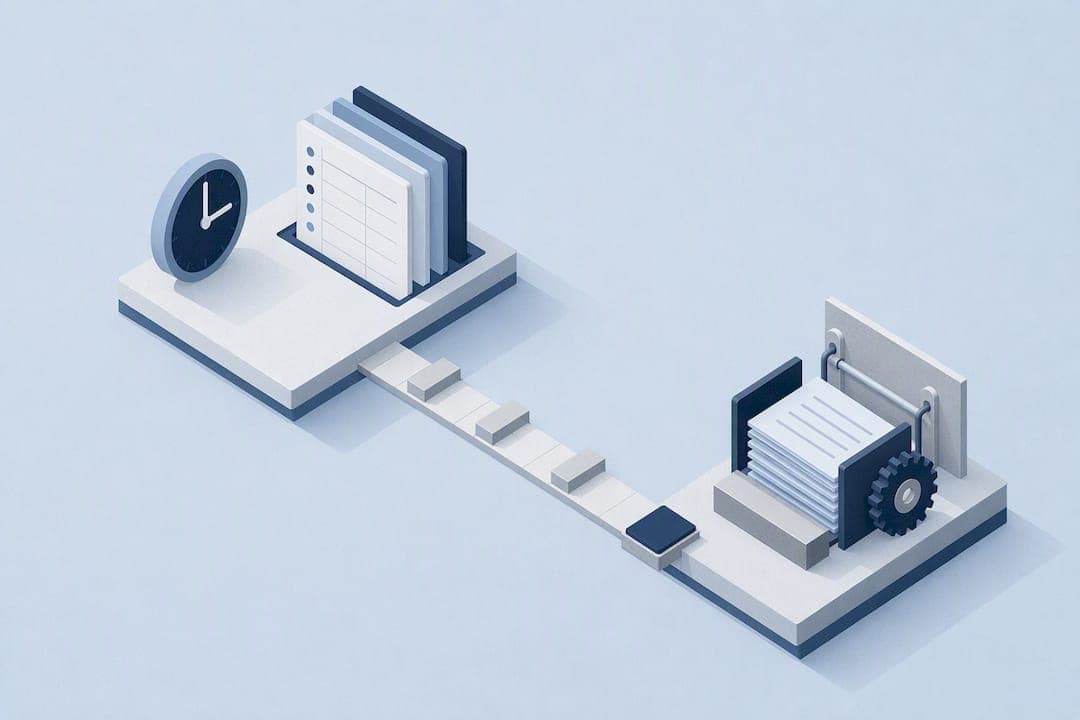
Yes: integrate your time tracking with payroll, using API sync where possible and treating flat-file or CSV exports as a fallback rather than the main plan. Connected systems create one source of truth for hours worked, which cuts down on the manual audits and payroll reconciliations that eat up a payroll team's week. Your first move is simple: map your fields and schedule a test payroll run before you touch live data.
TL;DR:
- Using API integration for payroll and time tracking reduces manual corrections and scales better for multi-location companies with complex pay rules.
- Proper mapping of employee IDs, pay codes, job codes, and tax locations before going live minimizes payroll errors and simplifies troubleshooting.
- Verifying data with a dry-run payroll and setting clear success criteria ensure accuracy and catch discrepancies early before real cycles.
- For field teams, GPS-verified clock-ins and geofencing enhance data accuracy, prevent buddy-punching, and enable location-specific pay rules.
- Centralized or integrated systems should match your workforce complexity; small firms may prefer bundled solutions, while larger or diverse teams benefit from dedicated, integrated tools like Clock-Me.
Table of Contents
- What payroll and time tracking integration actually means
- Integration methods: API sync, native payroll, and file-based export
- Essential data mapping and preflight checklist before you integrate
- Common features and payroll-specific checks to verify
- Step-by-step implementation plan for a smooth rollout
- Troubleshooting common integration problems and staying accurate
- Field-team specifics: GPS-verified clock-ins and payroll accuracy
- Centralize or integrate: choosing the right approach
- How Clock-Me fits into a payroll integration plan
- Sources
- FAQ
What payroll and time tracking integration actually means
Payroll time tracking integration connects the hours your employees clock with the system that calculates and issues their pay. Instead of a payroll admin retyping timesheet totals into a spreadsheet, the data moves automatically, carrying pay codes, overtime flags, and job classifications with it.
Done well, this changes four things for your team:
- Accuracy: fewer transcription errors because hours move electronically instead of by hand.
- Time savings: payroll processing shrinks from days of manual entry to a review-and-approve step.
- Compliance: overtime rules, break requirements, and pay code logic apply consistently every cycle.
- Reporting: managers get one clean data set for labor cost analysis instead of reconciling two systems after the fact.
Integration creates a single source of truth for hours worked, which reduces the manual audits payroll teams otherwise perform every cycle. That predictability, not headcount reduction, is where most of the value shows up: faster close cycles and fewer surprises when payroll runs.
The catch is that none of this happens automatically just because two systems are connected. The benefits depend on how carefully you set up the connection in the first place, which is where the real work of integration lives.
Integration methods: API sync, native payroll, and file-based export
Three approaches dominate payroll time tracking integration, and the right one depends on your company's size and payroll complexity.

API-level integration connects your time tracking and payroll platforms directly, so data flows automatically on a schedule you set. This method scales better and carries a lower risk of manual input errors, particularly for companies running payroll across multiple locations or time zones. Platforms offering deep API-level integration tend to reduce the repeated manual correction steps that flat-file uploads require, which matters most once you have more than a handful of pay rules or job codes in play. The tradeoff is setup effort: someone, often IT or a vendor's implementation team, needs to configure and test the connection.
Native bundled time and payroll systems, where one vendor provides both functions, offer convenience for smaller companies with straightforward pay structures. There is nothing to map because the fields already match. The limitation becomes apparent as you grow: complex overtime rules, multi-state payrolls, or union pay scales often outgrow what a bundled tool can handle.
CSV or flat-file export remains an acceptable fallback when an API connection is not available, but it demands more manual validation. Every export has to be checked for formatting errors, missing punches, and mismatched pay codes before it reaches payroll, and someone has to do that checking every single cycle.
Whichever method you choose, security and compliance considerations follow you. Time data includes personal information and, for field teams, location data, so encryption in transit and at rest, role-based access, and clear data retention policies matter regardless of integration type. A technical breakdown of integration architecture shows why direct synchronization tends to reduce the compliance gaps that come with repeated manual file handling.
Essential data mapping and preflight checklist before you integrate
Before you connect anything, map every field that has to travel from time tracking into payroll. Mis-mapped employee IDs or pay codes cause payroll batch failures, and fixing a bad mapping after payroll has already run takes far longer than getting it right beforehand.
- Employee ID: confirm every worker's ID matches exactly between systems, with no leading zeros dropped or formats mismatched.
- Pay codes: map regular, overtime, holiday, and sick pay codes one to one, not by best guess.
- Pay rates: verify hourly rates and any shift differentials pull through correctly for each employee.
- Job or cost codes: for companies billing labor to specific jobs or departments, confirm codes map to the right cost center.
- PTO balances: sync accrual balances so time off requests deduct from the correct bucket automatically.
- Tax locations: for multi-location or multi-state employers, confirm each worker's tax jurisdiction is set correctly.
Keep a canonical employee record, ideally your HRIS, as the source every other system pulls from. When time tracking and payroll both sync against that one record instead of maintaining separate copies, mismatches become far less likely.
Once mapping is done, run a dry-run payroll using real historical hours before you go live. Compare the output against what you actually paid last cycle and investigate every discrepancy. Build a simple exception-handling rule: any employee whose dry-run pay differs from expected by more than a small margin gets manually reviewed before the next real payroll run.
Pro Tip: Keep a written mapping checklist next to your integration settings so anyone on the team can verify a new hire's setup in minutes, not hours.
Common features and payroll-specific checks to verify
A working integration is not just "data moves." Several specific features determine whether the data that moves is actually correct.
- Timesheet approval and audit trail: confirm every timesheet requires manager approval before it reaches payroll, and that changes are logged with who made them and when.
- Rounding and grace periods: check how the system rounds punches near shift start and end times, since even small rounding rules add up across a pay period.
- Break rules: verify unpaid breaks are deducted correctly and that missed-break flags, where required, are captured.
- Overtime handling: confirm the system applies overtime thresholds correctly for the states or jurisdictions where your employees work, since rules vary by location.
- PTO accrual syncing: check that time off taken updates balances in both systems without a manual step, and that the audit log shows the change.
Pre-processed payroll error checking flags duplicate entries, missing punches, and pay code mismatches before payroll finalizes, which catches most of these issues before they become a paycheck error. Reviewer feedback consistently points to payroll integration reliability and overtime visibility as the features that matter most once a system is in daily use, more than flashier reporting dashboards. Confirm these basics work correctly before you worry about anything else.
Step-by-step implementation plan for a smooth rollout
A structured rollout keeps payroll integration from becoming a fire drill. Here is a practical sequence:
- Kick off with stakeholders: bring HR, payroll, IT, and a manager from the field or floor into one planning session, and agree on success metrics before configuration starts.
- Build the mapping in a sandbox: configure employee IDs, pay codes, and job codes in a test environment, never in production.
- Run a pilot with one group: choose a single department or location and run its actual hours through the new integration alongside your existing process.
- Compare pilot payroll output: check the pilot payroll line by line against what the old process would have generated.
- Train the full team: walk every manager and payroll admin through the new approval and export steps before go-live.
- Set go/no-go criteria: agree in advance on what a clean pilot looks like, and do not go live until it is met.
- Reconcile the first live payroll immediately: check the first real run against expectations within 24 hours, not at month end.
Keep a rollback plan ready. If the first live payroll run turns up widespread errors, you need a documented way to revert to the manual process for that cycle without missing a pay date.
Pro Tip: Run the pilot payroll for a group that includes at least one employee with overtime and one with PTO taken that period, so the test actually exercises the rules that cause the most errors.
Troubleshooting common integration problems and staying accurate
Most payroll integration failures trace back to a handful of causes, and knowing them speeds up the fix considerably.
- Mapping drift: a new pay code or job code gets added in one system but never mapped in the other, causing silent errors.
- Duplicate punches: a device sync issue or manual correction creates two entries for the same shift, inflating hours.
- Missing punches: forgotten clock-outs or connectivity gaps leave incomplete shifts that payroll cannot calculate correctly.
- Format mismatches: a CSV export with a changed column order or date format breaks the payroll import silently.
When a validation report flags an error, check the specific field it names first rather than re-running the whole export. Most mapping errors are isolated to one employee, one pay code, or one location, and fixing that single mapping resolves the issue without touching anything else.
Build a reconciliation cadence you actually follow: compare approved hours against pay-ready lines every cycle, not just when something looks wrong. Set up automated alerts for missing punches or unmapped codes so problems surface before payroll runs, not after. Keeping one canonical employee record, updated in a single place, remains the single best defense against drift over time.
Field-team specifics: GPS-verified clock-ins and payroll accuracy

Field teams add a wrinkle that office-based payroll integration guides often skip: location. Verified GPS punches and geofencing give payroll teams higher-confidence time data and reduce the chance of one employee clocking in for another. For a mapping checklist, that means adding a site or job location ID as its own field, so payroll can apply site-specific rules like travel premiums or location-based pay differentials correctly.
GPS-verified clock-ins support this by pairing identity verification with location data at the moment of punch, which gives payroll a clearer record than a manual timesheet ever could.
- Location-verified punches map to job codes the same way office punches do, just with an added site field.
- Overtime rules apply the same way once hours are correctly coded by location and job.
- Manager attestation through live dashboards lets a supervisor approve a day's hours before export, catching errors while they are still easy to fix.
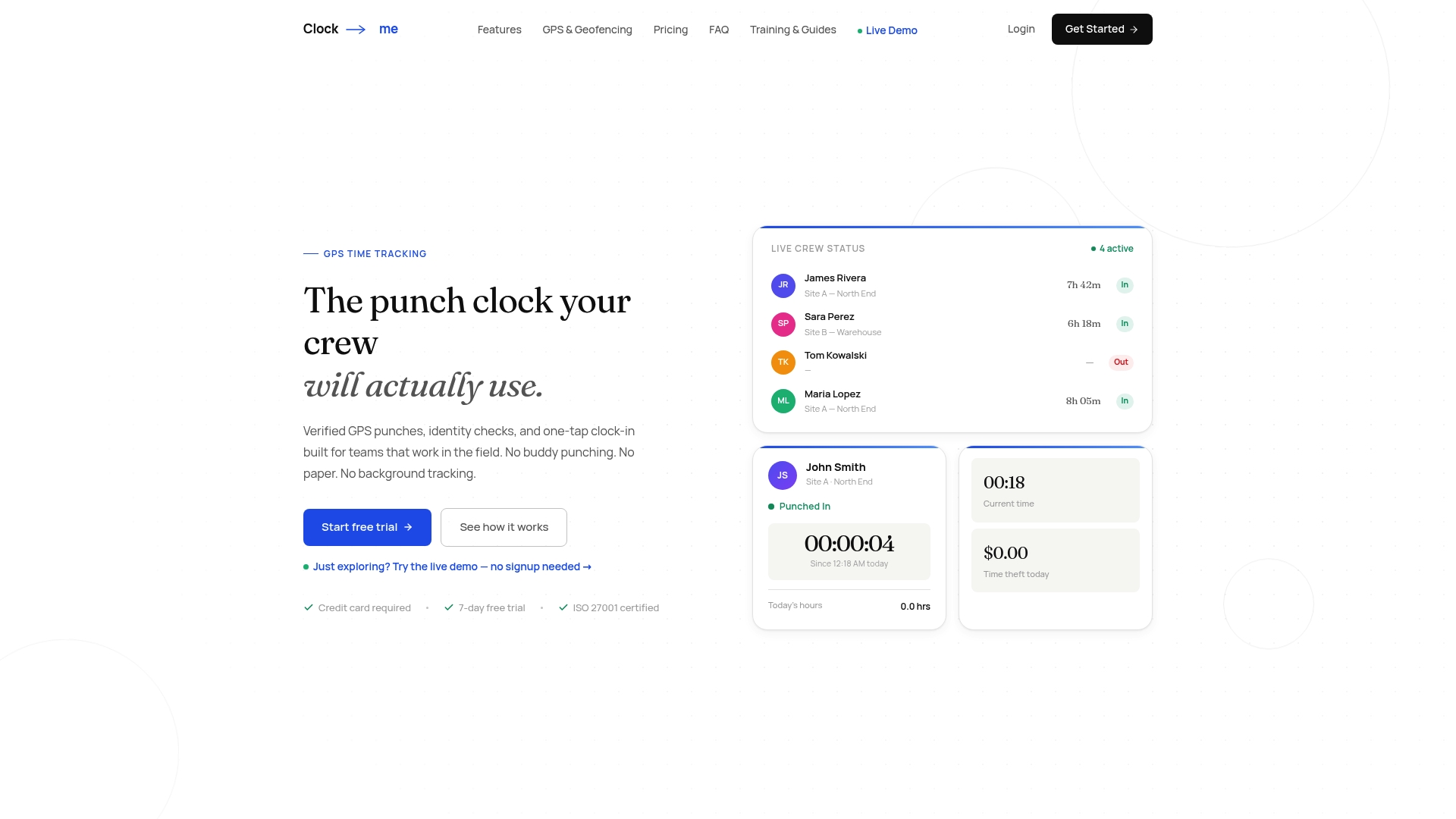
A typical workflow looks like this: one-tap clock-in with GPS verification, manager attestation via a live dashboard, then payroll export. Verified GPS punches and geofencing reduce buddy-punching and time theft for field crews, which matters most in industries where a paper timesheet is the only alternative.
Centralize or integrate: choosing the right approach
Small companies with simple pay rules often do better with one bundled system: less to configure, fewer points of failure. Once you have multiple locations, complex overtime rules, or a mix of office and field staff, best-of-breed systems connected through a solid integration usually win, because no single bundled tool handles every edge case well.
The honest tradeoff: centralization trades flexibility for simplicity, while integration trades a bit of setup complexity for tools that actually fit each part of your workforce. For most companies past the ten-employee mark, a dedicated time tracking tool integrated into payroll beats a one-size-fits-all bundle.
— Clock-me
How Clock-Me fits into a payroll integration plan
If your workforce works in the field, the integration challenges above get harder to solve with a generic time clock. Clock-Me addresses this directly.
- GPS-verified clock-ins and identity checks reduce the duplicate and inaccurate punches that cause mapping drift.
- Live dashboards give managers a pre-payroll attestation step, catching missing or mismatched hours before export.
- Payroll export features are built around the mapping and validation checklist covered above, not bolted on after.
Explore Clock-Me's plans and setup options to see which fits your team's size, or start with the GPS time tracking setup guide to see how a pilot rollout works in practice.
Sources
Claims above draw on G2's time tracking software evaluation, its payroll software review, and its time and attendance software analysis, along with G2's data on payroll software review trends and a technical guide to integration architecture. Clock-Me's own product pages detail its GPS and payroll export features.
- 7 Best Time Tracking Software I Evaluated for 2026
FAQ
What is the best time tracking software for payroll?
The best choice depends on your payroll complexity and workforce type: platforms with strong API-level payroll integrations reduce manual errors for multi-location or multi-state teams. Field-based teams benefit from tools like Clock-Me that add GPS verification and identity checks to the punch itself, which improves the accuracy of the data feeding into payroll.
What is the 7 minute rule for employees?
The 7 minute rule is a common rounding convention where employers round punches to the nearest quarter hour, rounding down for six minutes or less and up for seven minutes or more past the mark. Rounding rules vary by jurisdiction, so check the wage and hour rules that apply to your specific location before configuring rounding in your system.
Does Microsoft 365 have a time tracking tool?
Microsoft does not include a dedicated payroll-ready time tracking tool on its own, though Microsoft Teams offers a Shifts feature for basic scheduling and clock-in functions. Most companies pair Microsoft 365 with a separate time tracking platform that integrates with payroll for compliance features like overtime calculation and audit trails.
What is the best way to track employee time?
The best method depends on your workforce: office staff are typically well served by simple digital clock-ins, while field teams need GPS-verified punches and identity checks to prevent buddy-punching. Whichever method you choose, mapping employee IDs and pay codes correctly before connecting to payroll is what actually determines accuracy.