

For teams working across several physical locations, the right approach combines GPS-verified clock-ins, per-site geofencing, and identity checks to record every compensable minute, including travel between sites. This creates an auditable payroll trail that holds up under a wage dispute or a labor audit. We built Clock-Me around exactly this problem, and a pilot can go live in days rather than months.
TL;DR:
- GPS-verified tracking with bulk site import and random identity checks ensures accurate recording of travel time between multiple sites, protecting payroll accuracy.
- Setting geofence radii properly, testing signal variability, and documenting fallback procedures optimize system reliability in varied environments.
- Conducting a data protection impact assessment and providing clear privacy notices are essential to legally justify GPS monitoring and maintain employee trust.
- A pilot with one crew and a few sites typically takes one to two weeks, with early benefits including fewer disputes and faster payroll processing.
- Ongoing daily review of exception reports and clear communication with crews help sustain system accuracy and prevent disputes.
Table of Contents
- Why GPS-verified tracking matters for payroll and legal risk
- Must-have features for tracking multiple job sites
- Step-by-step: setting up GPS tracking across multiple job sites
- Compliance and privacy checklist before you roll out
- Running the system day to day: what to monitor
- Quick implementation checklist and early wins
- Our perspective on tracking across multiple job sites
- How Clock-Me helps you track time across multiple job sites
- FAQ
- Sources
Why GPS-verified tracking matters for payroll and legal risk
When your crews move between two or more job sites in a single shift, that travel time is generally compensable work time under U.S. wage law, and employers are responsible for recording it accurately, according to travel time guidance summarizing FLSA rules. Paper timesheets and manual punch sheets rarely capture that movement with any precision, which leaves payroll teams guessing and leaves the business exposed if a worker disputes unpaid hours.
Buddy punching compounds the problem: one worker clocks in for another, and the resulting timecard has no connection to where anyone actually was.
- Manual and paper-based systems create blind spots in multi-site travel time.
- Buddy punching inflates payroll costs without any corresponding work performed.
- GPS-verified, time-stamped punches give payroll and legal teams a defensible record.
Travel between job sites during the workday counts as hours worked under FLSA travel-time rules, which means an unrecorded gap between site A and site B is a potential underpayment, not a rounding error.
Must-have features for tracking multiple job sites
Before you commit to a platform, confirm it covers the operational basics that matter once you have more than one location on the map.
- Geofencing with bulk import: per-site geofences, plus the ability to import coordinates for dozens of sites at once instead of entering them one by one.
- Verified GPS clock-ins with identity checks: a punch tied to a specific location and a specific, verified person, with random checks to catch sharing of devices or credentials.
- Device-based fraud detection and audit logs: a record of which device, which location, and which timestamp produced each entry.
- Payroll export and timecard attestation: a one-click path from approved hours to your payroll system, with a supervisor sign-off step built in.
- Configurable retention and privacy settings: control over how long location data is kept and who can access it.
Pro Tip: Start with bulk coordinate import rather than manual site entry. It saves hours when you're onboarding more than ten locations at once.
Step-by-step: setting up GPS tracking across multiple job sites
A multi-site rollout goes faster when you sequence it rather than trying to switch everyone over at once.
- Inventory every site and group locations by region, crew, or supervisor so the geofence list matches how your teams actually work.
- Import coordinates in bulk for all sites rather than entering addresses one at a time.
- Set a geofence radius for each site and test it on-location, since dense urban blocks and rural sites behave differently for GPS signal.
- Decide your trigger events: clock-in and clock-out only, or added checkpoints for breaks and site transfers, then configure identity verification to match.
- Pilot with one crew for one to two weeks before expanding, and treat this as your test of real-world coverage, not just a demo.
- Connect payroll export and exception workflows so flagged punches route to a supervisor instead of sitting unresolved until payroll close.
- Scale to remaining crews, train supervisors on daily review, and keep watching exception rates as new sites come online.
A few habits make this smoother:
- Build in a margin on geofence radius to account for GPS variance near buildings or tree cover.
- Document a manual fallback for the rare case a geofence fails to trigger.
- Mirror your pilot's shift patterns and vehicle types as closely as possible so the test reflects real conditions. You can find more detail on mobile workflows for field crews in this practical guide for field teams.
For the technical side of setting geofence radii, a useful primer on GPS accuracy and coordinate behavior explains why signal quality varies by environment.
Compliance and privacy checklist before you roll out
Multi-site GPS tracking touches employee privacy, so the legal groundwork matters as much as the technical setup.
- Run a Data Protection Impact Assessment (DPIA) or an equivalent risk review before deployment, not after. Regulatory checklists for monitoring workers recommend this as a baseline step.
- Document your lawful basis or a balancing test that weighs the business need against employee privacy.
- Apply data minimization: record only the events you need, such as clock-in, clock-out, and checkpoints, rather than continuous location tracking.
- Publish a clear privacy notice covering purpose, retention period, who has access, and any processors involved.
- Secure consent or written agreement where local law requires it, particularly for tracking personal vehicles.
- Set a retention window for location data and a rule for anonymizing or deleting older records.
Clear, early communication about scope and purpose strengthens both legal defensibility and employee trust, according to best privacy practices for employers using geolocation tools. That guidance also recommends limiting collection and documenting retention policies before any device starts recording. Our own privacy policy and data safety summary lay out exactly what gets collected and for how long, which gives managers a template to compare against when drafting their own notice.
Running the system day to day: what to monitor
Once tracking is live, the daily routine matters more than the initial setup. A supervisor who reviews exceptions each morning, rather than at payroll close, catches problems while they're still easy to fix.
- Timecard discrepancies: punches that fall outside the expected geofence or shift window.
- Unverified punches: entries flagged by identity checks that need supervisor review.
- Payroll close time: how long it takes from shift end to approved, exportable hours.
- Recorded travel time: whether site-to-site movement is actually showing up as compensable hours, not disappearing into a gap.
Mapping schedules directly to geofenced sites removes a lot of the ambiguity that causes disputes in the first place: if a worker is scheduled at Site B from 9 AM, a punch at Site A past that time is an exception worth a quick look, not a mystery.
Pro Tip: Tell your crews why the system exists before you turn it on. Framing it as proof of hours worked, not surveillance, cuts resistance substantially.

Quick implementation checklist and early wins
A short, concrete checklist keeps a multi-site rollout from stalling in planning meetings.
- Import all job sites and confirm geofence boundaries on location.
- Run a test punch at each site to confirm identity verification triggers correctly.
- Export a sample payroll batch to confirm formatting matches your payroll system.
- Complete a one to two week pilot with a single crew before expanding.
- Review exception rates weekly and report them to stakeholders as your early proof of ROI.
Expect the first measurable wins to show up fast: fewer timecard disputes, a shorter payroll close, and a documented record of travel time that used to vanish into a paper timesheet.
Our perspective on tracking across multiple job sites
We started building GPS-verified tracking because buddy punching and guesswork timesheets were costing field employers real money, and most existing tools either tracked too little or tracked continuously in a way that felt invasive. Our stance: a system that only records the events that matter, clock-in, clock-out, checkpoints, earns trust faster than one that watches everyone all day. Setup should take hours, not weeks, and support should work in more than one language for crews who need it.
— Clock-me
How Clock-Me helps you track time across multiple job sites
We built Clock-Me around the exact checklist above: GPS-verified punches, per-site geofencing, identity verification, device-based fraud detection, and a payroll export that doesn't require re-keying hours by hand.
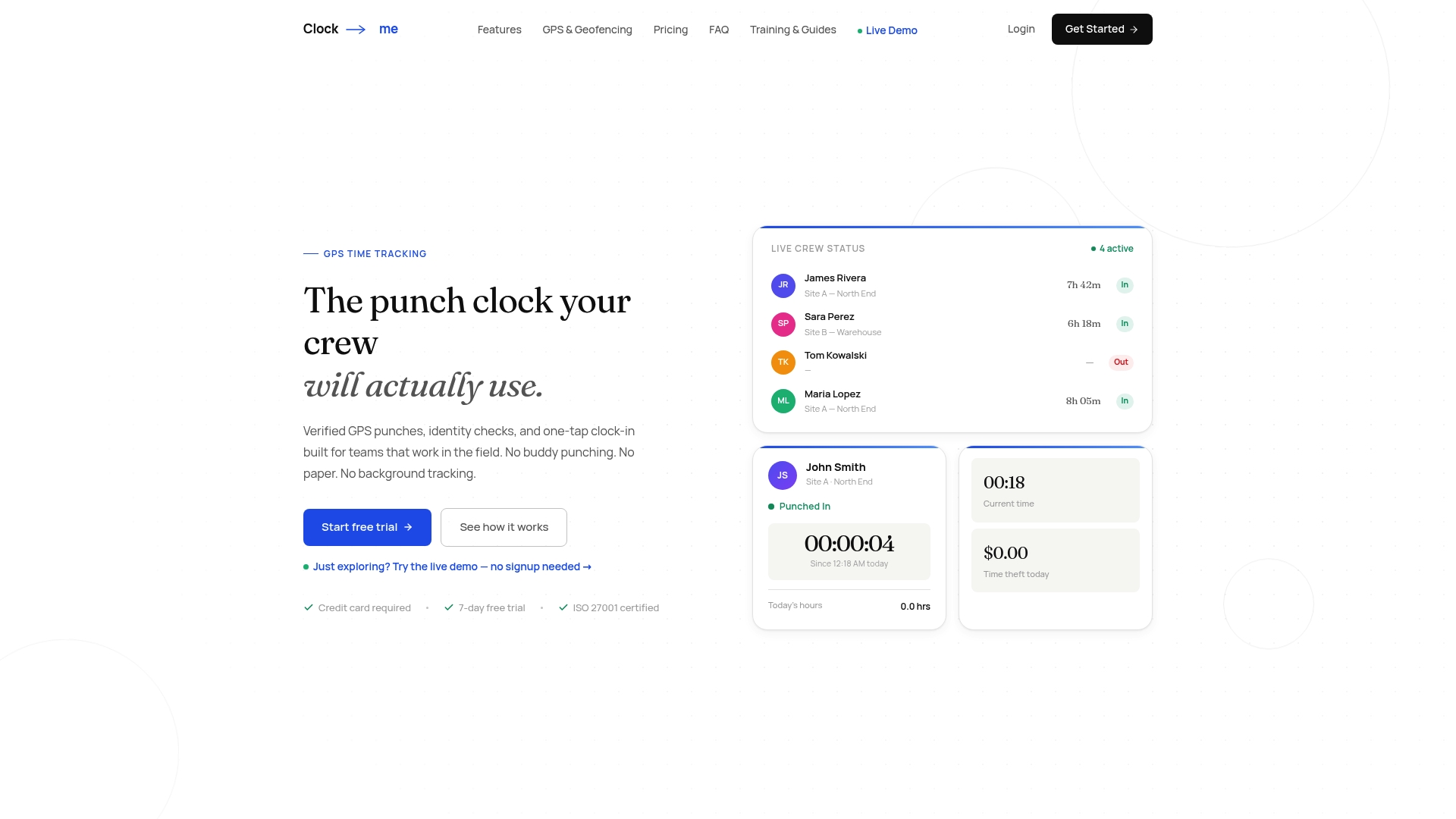
- One-tap GPS clock-ins with identity verification built in.
- Bulk geofence setup across however many sites your crews cover.
- Timecard attestation and payroll export ready for your next pay period.
- California labor law compliance features for crews operating in that state.
Our Free plan costs $0 per month for small teams, and Starter runs $31.99 per month if you need more room to grow. You can walk through the setup yourself with our GPS time tracking setup guide and have a pilot crew clocking in within the hour.
This article is general information, not a substitute for advice from a qualified lawyer. Consult a qualified legal professional about your own circumstances before acting on anything here.
FAQ
Is GPS tracking across multiple job sites legal?
Employers can generally track work-related location data, including time and attendance at multiple sites, provided they follow data minimization, document a lawful basis, and give workers clear notice of scope and purpose, consistent with guidance on monitoring workers. Rules vary by jurisdiction, so confirm requirements for your specific location and workforce before rollout.
Does travel time between job sites count as paid time?
Yes, travel between two or more job sites during the same workday is generally compensable work time under FLSA travel-time rules. Normal commuting from home to a single job site is typically treated differently, so the distinction matters for payroll setup.
How do we prevent buddy punching across several sites?
Identity verification tied to each GPS punch, combined with device-based fraud detection and occasional random checks, closes most of the gap that paper timesheets and basic apps leave open. Our system includes identity verification and fraud detection as part of its one-tap clock-in process.
What should a privacy notice for GPS tracking include?
A clear privacy notice should state the purpose of tracking, what data gets collected, how long it's retained, who can access it, and any third-party processors involved, following practices outlined in employer geolocation guidance. Publishing this before rollout, rather than after, reduces both legal risk and employee pushback.
How quickly can a multi-site pilot go live?
A focused pilot with one crew and a handful of sites can typically launch within a week, covering site import, geofence testing, and a trial payroll export. Our setup guide walks through each step for teams starting from scratch.
Sources
- ICO checklists for monitoring workers
- 7 best privacy practices for employers when using geolocation tools