
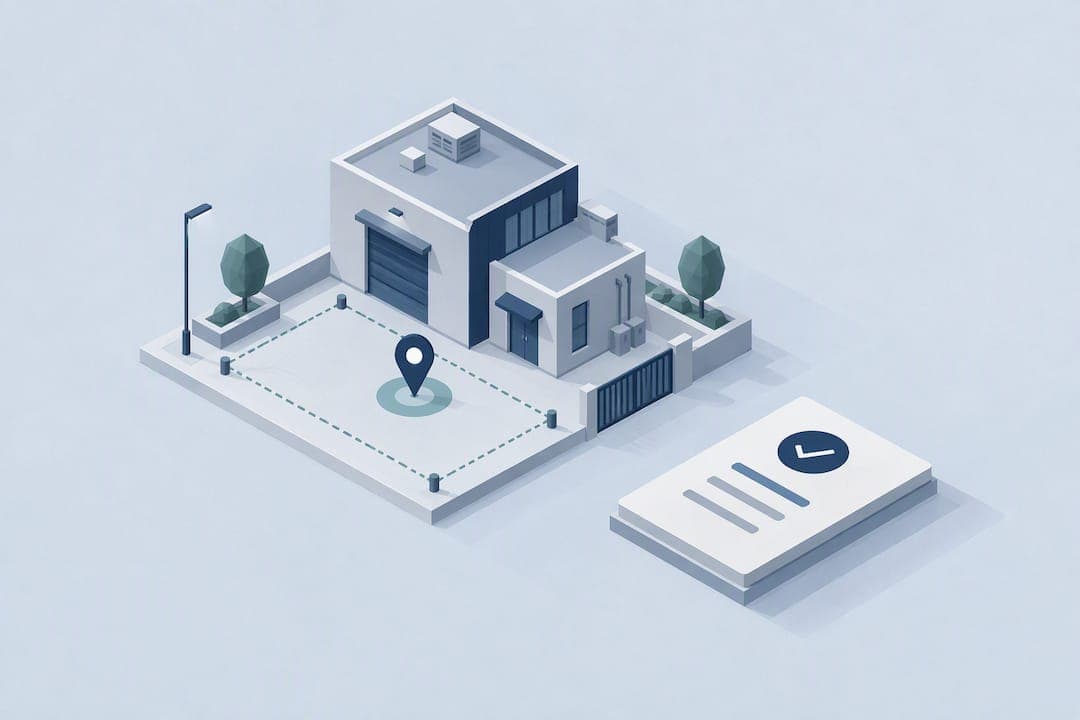
Use event-based GPS-verified clock-ins plus identity checks and geofencing, not continuous background tracking, to reliably verify field employee location while keeping privacy and battery impacts low. This approach gives you payroll accuracy, fewer buddy-punching incidents, and audit-ready records. The main safeguards you need are clear employee consent, data minimization, and built-in fraud detection.
TL;DR:
- A tighter geofence improves accuracy but can misfire near building edges; a wider boundary reduces false alerts while sacrificing precision.
- A written policy should tell employees why and when tracking occurs, limit access and retention, and separate work records from personal data on personal devices.
- Pair device integrity and mock location checks with randomized prompts or photo proof; document timestamps and flagged signals before payroll or disciplinary action.
- Consent through a dedicated work app lowers privacy litigation exposure compared with tracking personal devices or vehicles without a clear policy, but local rules vary.
- Pilot with a small group, compare verified records against payroll, gather employee feedback, and adjust geofence settings before expanding in phases.
Table of Contents
- What field location verification actually checks
- Practical methods and technologies for verifying location
- Deployment practices that protect compliance and trust
- Legal and privacy groundwork before you turn on tracking
- Catching spoofing, buddy punching, and other fraud
- How to choose a location verification solution
- Rolling out location verification: pilot to full deployment
- What we've learned about getting location verification right
- Get audit-ready location verification without the paperwork
- FAQ
- Sources
What field location verification actually checks
Verification isn't one feature. It's a small set of data points captured at specific moments, not a constant feed of coordinates.
- A verified clock-in pairs GPS coordinates with a timestamp and an identity token, confirming who clocked in, where, and when.
- Geofence events mark arrivals and exits automatically when a worker crosses a defined boundary around a job site.
- Timestamped photos add visual proof of presence for site visits or deliveries.
We rely on these checks for practical business reasons: accurate payroll, safety accountability, route verification, and proof of customer visits. GPS accuracy has real limits too. Dense urban blocks, tall buildings, and indoor job sites can all reduce precision, which is one more reason event-based checks at defined moments beat an always-on stream that just accumulates noisy data.
Practical methods and technologies for verifying location
Managers typically choose among a handful of proven methods, each with its own trade-offs in accuracy, privacy, and battery drain.
- Event-based GPS clock-ins capture a location snapshot only at punch time, which keeps battery use low and creates a clean, auditable record.
- Geofencing with auto-check-ins triggers a timestamp the moment a worker enters or exits a job site boundary; a tighter radius improves accuracy but can misfire near building edges, while a looser one is more forgiving but less precise.
- Timestamped photos or QR scans give visual or code-based confirmation that a worker was physically present, useful for deliveries or client sign-offs.
- Device telemetry, such as Wi-Fi or Bluetooth beacon detection, works well as a supplementary signal rather than a primary one.
Continuous background GPS streaming is rarely necessary for these goals and raises both privacy exposure and legal risk without adding much verification value.
Pro Tip: Pair geofence check-ins with one photo requirement at the start of a shift. It adds almost no friction but gives you a second data point if a time card is ever disputed.

Deployment practices that protect compliance and trust
How you roll out location verification matters as much as which technology you pick. A few operational habits keep the system defensible and keep your team onboard.
- Default to event-based tracking, recording location only at clock-in, clock-out, geofence crossings, or scheduled random check-ins, never as a continuous stream.
- Write a plain-language policy that explains exactly why you're collecting location data and share it with your team before launch.
- Separate work and personal data on BYOD devices, or issue managed devices where that separation isn't possible.
- Limit data retention and restrict access to location records to the managers who actually need them.
- Run a pilot with a small group first, collect feedback, and adjust settings before a full rollout.
Research on workplace monitoring backs this approach: employees judge tracking as far less invasive when it's clearly framed around payroll accuracy or safety, and when they retain visibility into what's being recorded, a principle researchers call transparency by design. That visibility, more than the technology itself, is usually what determines whether a rollout goes smoothly.
Legal and privacy groundwork before you turn on tracking
Location data counts as sensitive personal information in most privacy frameworks, so it deserves the same care you'd give payroll or health records. Before deployment, work through a short list of obligations.
- Processing geolocation data is considered high risk under European guidance, which recommends a documented assessment before continuous monitoring begins, even though your approach will rely on events rather than streams (Data Protection Commission guidance).
- Tracking tied to a specific, documented business purpose, like payroll verification, holds up better than open-ended monitoring.
- Rules differ by jurisdiction, so formal compliance requires checking local requirements or consulting counsel rather than assuming one set of rules applies everywhere.
- Practical controls that reduce risk include limiting tracking to scheduled work hours, giving employees access to their own records, and setting a clear retention schedule.
Legal analysis of GPS tracking programs finds that employee consent through a dedicated work app meaningfully lowers an employer's exposure to privacy litigation compared with tracking personal devices or vehicles without a clear policy, according to research on GPS and cell phone tracking of employees. Our GPS tracking policy template can help put that consent structure in place.
Catching spoofing, buddy punching, and other fraud
Fraud attempts usually leave traces if you know what to look for. Mock-location apps, often paired with enabled developer options on Android, let a worker fake a clock-in from somewhere else entirely. Impossible travel speeds between two check-ins are another red flag.
- Platform-level checks for device integrity, mock-location app detection, and IP or Wi-Fi network anomalies catch most spoofing attempts automatically.
- Randomized check-ins throughout a shift make it harder for one worker to clock in on behalf of another.
- Photo verification at clock-in adds a visual layer that's difficult to fake remotely.
- Mandatory identity verification at first enrollment closes the door on buddy punching from day one.
When you spot a likely fraud pattern, document the timestamps, location data, and any flagged device signals before taking payroll or disciplinary action. A clear paper trail protects both you and the employee if the case is ever disputed.
How to choose a location verification solution
Evaluating a tool or an internal build comes down to a short checklist most managers can work through in an afternoon.
- Look for adjustable geofence granularity so accuracy fits the job site, not a one-size-fits-all radius.
- Confirm the system supports event-based rules and lets you cap tracking to scheduled work hours.
- Check for built-in fraud detection: mock-location flags, device integrity checks, and anomaly alerts.
- Verify privacy features, including BYOD data separation, configurable retention periods, and accessible audit logs.
- Make sure it integrates with your payroll, HR, and reporting tools so verified data flows straight into existing workflows.
- Ask about deployment support and whether a trial or pilot period is available before committing.
Pricing in this category generally follows a per-seat, tiered subscription model, often with a free tier for very small teams and higher tiers unlocking more automation and reporting.
Pro Tip: Ask any vendor to show you their audit log before you sign anything. If you can't trace a single clock-in back to a GPS point, a timestamp, and an identity check, the system isn't audit-ready.
Rolling out location verification: pilot to full deployment
- Plan: Scope which jobs need verification, pick a pilot group, and set success metrics like accuracy rate, compliance, and adoption.
- Pilot: Configure event-based rules, geofence sizes, and identity checks, then run the pilot for a suitable period.
- Train: Walk managers and field staff through the system and publish the policy along with a short Q&A.
- Measure: Review audit logs, gather employee feedback, and reconcile pilot data against actual payroll.
- Scale: Expand in phases and connect the system to payroll and approval workflows as you go.
Our geofencing time tracking guidance walks through recommended geofence sizes if you want a starting point for step two.
What we've learned about getting location verification right

Our platform uses event-based verification because continuous tracking solves a problem managers don't actually have. What you need is proof at the moments that matter: clock-in, clock-out, a site arrival. Chasing every movement in between only adds privacy risk without adding payroll accuracy.
In practice, teams that adopt verified clock-ins alongside clear written policies can reconcile payroll and address buddy-punch incidents with identity checks. If you want a starting framework, our policy template and employee GPS privacy guide can help with this handoff.
— Clock-me
Get audit-ready location verification without the paperwork
Clock-Me is built around the same principle this guide walks through: verify the moment, not the whole day. Our platform combines GPS-verified clock-ins, geofencing, identity verification, and randomized check-ins with payroll export, so you can keep records without asking your team to accept constant surveillance.
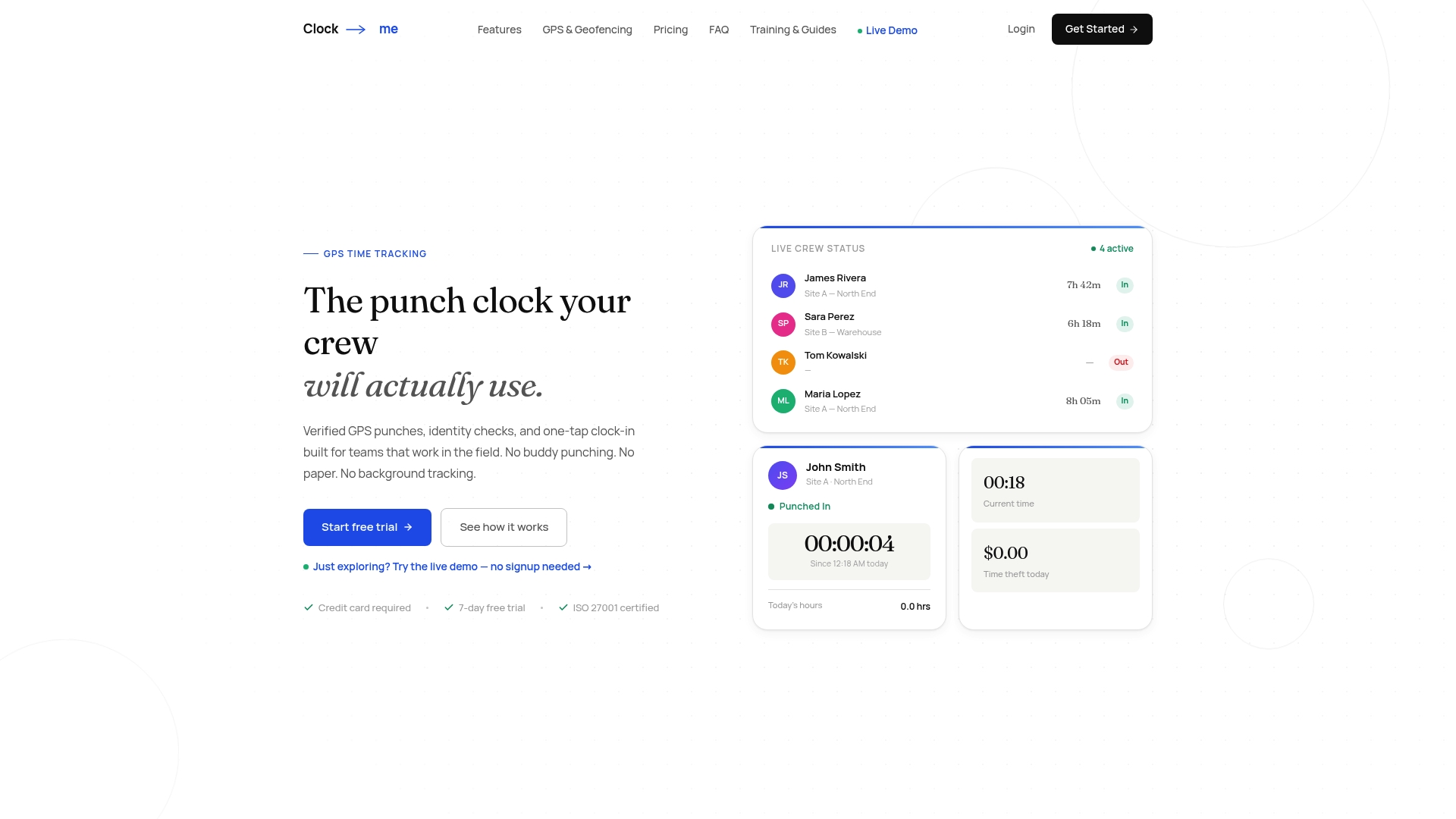
- GPS clock-ins paired with identity verification can help prevent buddy punching.
- Configurable geofences and randomized check-ins keep tracking proportional to the job, not the clock.
- Audit logs and payroll export plug straight into your existing approval workflow.
Current prices are on our solutions page. If your field crews work with dispatch or job assignment tools, a workflow guide like this staff job assignment workflow overview pairs well with verified time data. Our solutions page has more information.
FAQ
How do you track your employee location?
The most reliable method combines GPS-verified clock-ins with geofencing, capturing location only at defined events like clock-in, clock-out, or site arrival rather than streaming continuously. Adding identity verification at enrollment closes most of the gap that leads to buddy punching.
What is the best app for tracking staff hours?
Look for a platform that pairs GPS-verified clock-ins with identity checks, geofencing, and audit-ready logs rather than one that only records raw location streams. Pricing in this category usually runs as a per-seat monthly subscription, with tiers from a free plan for small teams up to higher-tier plans for larger field operations. Current prices are on our solutions page.
Can an employer track location on a work phone?
Employers can track location on a device used for work, but it's far more defensible when tracking is event-based, limited to work hours, and backed by a documented policy employees have seen. Consent through a dedicated work app, rather than monitoring a personal device outright, significantly lowers privacy and legal exposure according to legal analysis of GPS tracking programs.
Can a workforce app track an employee's location?
Yes, but a well-designed workforce app should only capture location at specific events, such as clock-in or geofence crossings, instead of running a constant background feed. NIST guidance on mobile device security recommends technical separation between work and personal data on BYOD devices to avoid overreach.
What should a location tracking policy cover?
A solid policy explains why location data is collected, which events trigger tracking, how long records are kept, and who can access them. Research on field-tracking rollouts found that the absence of a clear written policy is the most common cause of failed deployments and employee pushback, as detailed in practitioner research on field-tracking deployments.
Sources
- Guidance Note:
- GPS and Cell Phone Tracking of Employees
- Good Intentions, Bad Inventions: How Employees Judge Pervasive Technologies in the Workplace
- Final Thesis September 2021
- Guidelines for Managing the Security of Mobile Devices in the Enterprise