
GPS verified clock-ins give you auditable, location-stamped proof of when and where your team actually started work, which cuts buddy punching and tightens payroll accuracy. The strongest setups pair event-based GPS capture (recorded only at the moment someone punches in or out) with identity verification, since this combination carries the least legal risk. Expect fewer attendance disputes, cleaner payroll exports, and a reliable audit trail once you roll it out.
TL;DR:
- Choose event based GPS capture with photo, PIN, or biometric verification, plus anti spoofing checks, offline sync, and audit logs containing timestamp, location, and accuracy.
- Use a 100 to 500 foot circular radius for simple sites, and polygon boundaries for irregular lots, campuses, or locations beside public roads.
- Document the business need, publish what location data you collect and how long you retain it, and assess privacy obligations before tracking employees.
- Pilot one site with 10 to 50 employees for two to four weeks, testing older phones, offline syncing, site boundaries, and GPS accuracy drift before expansion.
Table of Contents
- Core features your GPS clock-in system should include
- How GPS verified clock-ins actually work
- Geofencing explained: circular radius vs polygon shapes
- Privacy and legal checklist before you roll out GPS tracking
- Implementation checklist: rolling out GPS clock-in without surprises
- How Clock-Me approaches verified GPS clock-ins
- Manager perspective: real-world trade-offs to accept
- Getting started with Clock-Me
- FAQ
- Sources
Core features your GPS clock-in system should include
Not every app that claims "GPS tracking" gives you the same protection. When you evaluate a system, look for these specific capabilities rather than taking the marketing copy at face value.
- One-tap clock-in and clock-out that captures a location stamp plus accuracy metadata, so you know not just where someone punched but how reliable that reading was.
- Event-based GPS capture instead of continuous tracking: the app records location only at the moment of the punch, which limits data collection and keeps your privacy exposure low.
- Geofencing with both radius and polygon options, so job sites of different shapes and sizes get mapped correctly.
- Identity verification at the point of punch, whether through a photo, a PIN, or a biometric check, to confirm the person clocking in is actually present.
- Offline sync that preserves timestamps and location data when a crew member loses signal, then uploads everything once connectivity returns.
- Audit-ready reporting with exportable payroll formats your finance team can use without manual cleanup.
Anti-spoofing matters as much as the GPS signal itself. A fake-GPS app can trick a basic system, so look for device-side checks that flag suspicious readings before they reach your dashboard.
Pro Tip: Ask any vendor to show you a sample audit log before you commit. If the export doesn't include timestamp, location, and accuracy data on one line, your payroll team will end up doing manual reconciliation anyway.
How GPS verified clock-ins actually work
At the moment someone taps "clock in," a well-built system records a handful of data points: latitude and longitude, a GPS accuracy estimate (usually a radius in meters), a server-side timestamp, a device identifier, and the connectivity state at that instant. That bundle is what turns a single punch into something you can defend later if a timesheet gets questioned.

Event-based capture, recording only at clock-in and clock-out rather than streaming location continuously, keeps the privacy footprint small. Employer monitoring guidance lists location and biometric systems among the higher-risk technologies employers deploy, and recommends choosing the least intrusive option available and documenting the rationale for it, which event-based punches generally satisfy more easily than always-on tracking does, according to draft guidance on workplace monitoring.
Anti-spoofing works on a few layers at once: checking device signals for inconsistencies, cross-referencing sensor data like accelerometer and network signal against the claimed GPS position, applying server-side heuristics that flag impossible jumps between punches, and layering in photo verification so a spoofed location still can't fake a face. Our Fake GPS Detection for Developers resource walks through the technical side if you want to understand what's happening under the hood.
An accuracy estimate typically accompanies every GPS reading, telling you whether a punch landed within a few meters or a much wider margin, which matters when you're deciding how tight to set a geofence.
When you pilot a system, test it the way your crews will actually use it: a mix of older and newer phones, airplane mode toggled on and off, a VPN running in the background, and at least one punch from the edge of a job site. Confirm that offline punches sync later with their original timestamp and location intact, not the time the phone reconnected.
Geofencing explained: circular radius vs polygon shapes
Geofencing is what stops someone from clocking in from their couch. Two shapes cover most situations, and picking the right one up front saves you headaches later.
- Circular radius geofences are the simplest to set up. You drop a pin at the job site and set a radius, usually somewhere between 100 and 500 feet depending on the site's size.
- Polygon geofences trace the actual shape of a property, which matters on irregular lots, multi-building campuses, or sites that back up against a public road where a circle would either cut off a real work area or bleed into a parking lot across the street.
- Borderline locations, like remote parking or a loading dock set back from the main building, often need a slightly wider radius or a custom polygon edge rather than a one-size-fits-all setting.
- Common misconfigurations include setting a radius too wide (which lets someone punch in from a nearby coffee shop) or too narrow (which locks out legitimate workers standing at the correct entrance with a weak signal).
Construction-focused guidance often favors polygon shapes for jobsite accuracy, since an irregular footprint is common on active builds. Our geofencing configuration guide covers sizing recommendations by site type if you manage several different kinds of locations.
Privacy and legal checklist before you roll out GPS tracking
Location tracking touches real privacy expectations, so treat the rollout as a compliance project, not just a software install.
- Favor event-based punches over continuous tracking. Regulators and privacy guidance consistently treat always-on location streams as harder to justify than a single timestamped capture at clock-in and clock-out.
- Document your lawful basis or legitimate business need for collecting location data, and put that reasoning in writing before you launch.
- Publish a clear policy that tells employees what's collected, why, and for how long, and disclose your retention period in plain language.
- Run a Data Protection Impact Assessment where required. A DPIA is strongly recommended before systematic employee tracking in jurisdictions including the UK and EU, and it forces you to document purpose, scope, and safeguards in one place.
- Minimize what you keep. Store only the location data tied to actual punches, not a continuous trail, and set a retention schedule that matches your policy.
- Lock down access. Role-based permissions, encryption at rest and in transit, and audit logs of who viewed what data all belong in your vendor evaluation.
Pro Tip: Build your GPS policy before your first pilot, not after. Our GPS tracking policy template gives you a starting draft you can adapt in one sitting.
Implementation checklist: rolling out GPS clock-in without surprises
A phased rollout keeps your team on board and your data clean from day one.
- Set clear goals before you start. Decide what you're measuring, whether that's a drop in buddy punching incidents or a reduction in payroll correction requests.
- Choose your event triggers and geofence shapes per site, and set the identity verification level (photo, PIN, or biometric) that matches each site's risk level.
- Run a pilot on representative devices and users. Include a few older phones, confirm offline punches sync correctly, and check accuracy readings against known site boundaries.
- Train supervisors and publish your policy before full rollout, and collect written acknowledgment from employees if your jurisdiction expects it.
- Connect payroll exports to your existing system so approved timesheets flow through without manual re-entry, following best practices for essential payroll records management. Our guide to tracking multiple job sites for payroll is useful if your teams move between locations during a pay period.
- Measure the pilot against your original goals, then expand site by site rather than switching every location over at once.
Pro Tip: Keep your pilot small enough to fix problems fast. A single site with a few dozen users gives you enough data to spot accuracy or sync issues before they reach your whole workforce.
How Clock-Me approaches verified GPS clock-ins
We built our platform around the same checklist managers need: one-tap GPS punches, identity verification, geofencing, offline sync, and payroll-ready exports, all captured at the moment of the punch rather than through continuous tracking.
- A one-tap clock-in records location, timestamp, and accuracy metadata in a single action.
- Geofencing supports both radius and polygon shapes, so irregular job sites map correctly.
- Identity verification options range from a PIN to a photo-on-punch check, giving you a fraud-resistant layer without adding paperwork.
- Offline mode preserves punch data and syncs it once a device reconnects, with the original timestamp intact.
If you want the technical detail behind how we detect spoofed locations, our GPS Time Tracking Setup Guide walks through configuration step by step, and a typical pilot runs two to four weeks on one site before you expand.
Manager perspective: real-world trade-offs to accept
GPS isn't laser-precise, and chasing perfect accuracy backfires. A zero-tolerance policy on small GPS drift creates disputes over nothing, since a phone's accuracy estimate can shift by a few dozen meters depending on building density or weather. Favor event-based punches, keep your policy transparent, and judge success by fewer payroll arguments, not flawless coordinates.
— Clock-me
Getting started with Clock-Me
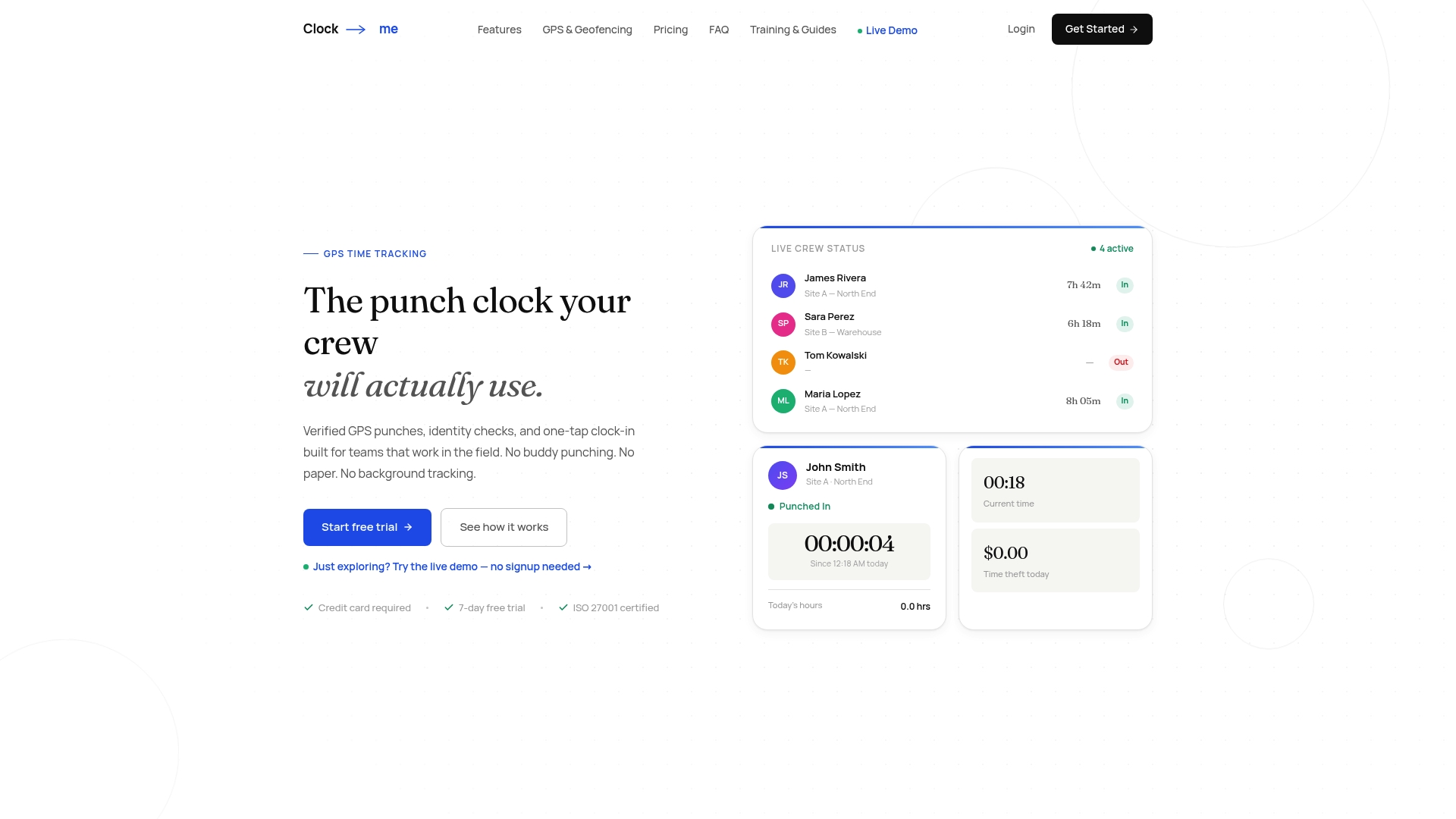
Everything in the implementation checklist above maps directly to what you'll find on our platform: verified punches with location and accuracy metadata, radius or polygon geofencing per site, identity verification you can scale from a PIN to a photo check, and payroll exports built for approval workflows rather than manual cleanup.
- Start with one site and a small group of 10 to 50 users over a two to four week pilot.
- Configure geofence shapes and verification levels to match that site's layout and risk.
- Review the pilot's punch and sync data before expanding to additional locations.
If your crews span multiple job sites, our guide on handling payroll across locations is worth a read before you scale. When you're ready to see the setup in action, visit our solutions page to compare plans and start a pilot.
FAQ
What is a good clocking in app with GPS?
A good GPS clock-in app captures location only at the moment of punch (not continuously), includes geofencing with radius or polygon options, and layers in identity verification such as a photo or PIN. Look for offline sync and exportable audit logs so payroll disputes resolve quickly.
How does a GPS clock work?
At each clock-in or clock-out, the app records the device's latitude and longitude, a GPS accuracy estimate, a timestamp, and the connectivity state at that moment. That data bundle gets checked against the site's geofence and, in stronger systems, run through anti-spoofing checks before it's logged.
How much does an automated time tracker cost?
Pricing varies widely by vendor and feature set, so check directly with any provider you're considering. Our own plans start at Free for small teams, with paid tiers including Starter at $31.99 per month and Growth at $54.99 per month, scaling up to Enterprise pricing available on request.
Is there a free time clock app with GPS?
Yes, several vendors offer free tiers for small teams, typically with caps on user count or feature access. Our own Free plan includes GPS-verified clock-ins for smaller teams before you'd need to move to a paid tier.
Does continuous GPS tracking create more legal risk than clock-in punches?
Generally, yes. Guidance on workplace monitoring treats continuous, always-on location tracking as harder to justify than event-based capture limited to clock-in and clock-out moments, since the latter collects less data and ties directly to a clear business purpose.