

Under the FLSA, employers must keep complete, accurate records of hours and wages for nonexempt employees. The method is flexible: paper, spreadsheets, or a digital system all work. What is not flexible is the content and the clock. Payroll records need to survive for at least three years, with wage computation records held for two.
TL;DR:
- Employers should adopt the longest applicable retention period across all states and automate backups to ensure compliance during audits.
- Accurate time records can be in any format but must include specific details such as hours worked, employee information, and wage basis, with supervisor review and employee attestation.
- Rounding time entries is permitted only if it is neutral over time; biased rounding can result in unpaid wages and legal penalties.
- Using geofencing, GPS verification, and identity checks significantly improves record defensibility, especially for remote or field staff.
- Incomplete records favor employees in wage disputes and increase the risk of costly back-pay obligations.
Table of Contents
- What Records the FLSA Requires You to Keep
- How Long to Keep Records and Who Can See Them
- Which Timekeeping Methods Actually Satisfy the FLSA
- Where Employers Get Tripped Up on Timekeeping
- A Step-By-Step Checklist for Compliant Timekeeping
- Why Verifiable Time Data Is the Real Compliance Layer
- Ready to Put Your Timekeeping Records to the Test?
- Where to Go for the Official Rules
- Sources
- FAQ
What Records the FLSA Requires You to Keep
The Fair Labor Standards Act does not care whether your time records live in a binder or a mobile app. It cares whether they are complete. 29 CFR Part 516 spells out exactly what has to appear in every nonexempt employee's file, and most compliance failures trace back to a missing field rather than a missing system.
At minimum, you need to capture:
- Full name, Social Security number, address, birth date if under 19, sex, and occupation
- The time and day the workweek officially begins
- Hours worked each workday and total hours each workweek
- The basis on which wages are paid (hourly, salary, piece rate, commission) and the regular hourly rate
- Total daily or weekly straight-time earnings
- Total overtime premium pay for the workweek
- Deductions from or additions to wages, and total wages paid each pay period
There is one narrow shortcut. Employers may log a fixed schedule instead of punch-by-punch entries for employees who almost never deviate from it. The moment an employee works more or less than that schedule, you're required to record the actual hours for that week. Treating the fixed schedule as a permanent substitute for real data is one of the more common triggers for a Department of Labor audit.
How Long to Keep Records and Who Can See Them
Retention is where a lot of HR teams guess wrong. The federal baseline is clear: keep payroll records for three years and wage computation records, including time cards and work schedules, for two years.
That baseline shifts once you cross state lines. California, for example, layers on its own wage statement and inspection requirements that often push effective retention past the federal floor. If you operate in multiple states, the simplest fix is also the safest one:
- Adopt the longest retention period that applies to any jurisdiction where you have employees
- Store records at a central office or on-site, as long as they can be produced without unreasonable delay
- Build a documented process for responding to a Department of Labor inspection within the timeframe it requests
- Log every employee request for copies of their own records, and respond consistently
Multi-state employers who standardize on the strictest applicable rule report fewer scrambles during audits, since nobody has to remember which state's clock started when.
Which Timekeeping Methods Actually Satisfy the FLSA
Paper timesheets are legal. Excel is legal. A biometric time clock is legal. The FLSA has never mandated a specific format, and that surprises a lot of new HR hires who assume there's a government-approved template somewhere. There isn't. The only standard that matters is accuracy.
That flexibility comes with a catch: the burden of proof sits with you, not the employee. If your records are incomplete, an employee's own recollection of hours worked can carry legal weight, and that tends to favor the worker in a wage dispute. A few controls close that gap:
- Require employee sign-off or digital attestation confirming hours are correct each pay period
- Have a supervisor review and approve time entries before they hit payroll
- Keep an audit trail showing who edited a time entry, when, and why
- For field or remote staff, verify location and identity at clock-in rather than trusting a typed entry, and require documented approval before remote overtime is paid
Catching a rounding or attestation gap in March beats explaining it to an investigator in November.*
Where Employers Get Tripped Up on Timekeeping
Most FLSA wage claims don't start with a dramatic violation. They start with a small habit that repeats for months before anyone notices.
- Accepting self-reported hours with no supervisor review or system verification
- Using a fixed schedule as a permanent stand-in for actual hours, even after they've changed
- Rounding time entries in a way that consistently shaves minutes off the employee's favor rather than staying neutral
- Letting records lapse past the retention window, or failing to back them up before a system migration
Rounding policies are allowed, but only if they're neutral over time. If your rounding rule quietly costs employees a few minutes every shift, a court will treat that as unpaid wages, not a rounding convenience. And once records go missing, the fix is expensive: no time card means no defense, and the employee's testimony becomes the default record of what happened.
A Step-By-Step Checklist for Compliant Timekeeping
Fixing a timekeeping program doesn't require a rebuild. It requires sequence.
- Write down your policy. Put the timekeeping rules, rounding practice, and correction process in a document every employee and supervisor signs.
- Set your retention clock. Apply the longest retention period across every state where you employ people, and automate backups so nothing depends on someone remembering to save a file.
- Require attestation every pay period. Employees confirm their hours; supervisors approve them before payroll runs.
- Turn on audit logging. Every edit to a time entry should show who made it and why, not just the final number.
- Schedule a recurring audit. Quarterly is a reasonable cadence for reconciling scheduled hours against actual punches.
- Document every correction. When you fix an error, keep a record of the original entry, the correction, and the reason.
Pro Tip: Assign one person, not a rotating group, to own the retention schedule. Compliance gaps usually appear when "someone" was supposed to handle backups and nobody actually did.
Why Verifiable Time Data Is the Real Compliance Layer
Accuracy and retention aren't optional extras. They're the law. What's changed is how easy it has become to prove both. A supervisor signing off on a paper timesheet is a control. A GPS-verified punch tied to a specific employee and location is a stronger one, because it removes the guesswork of "who was actually there and when."
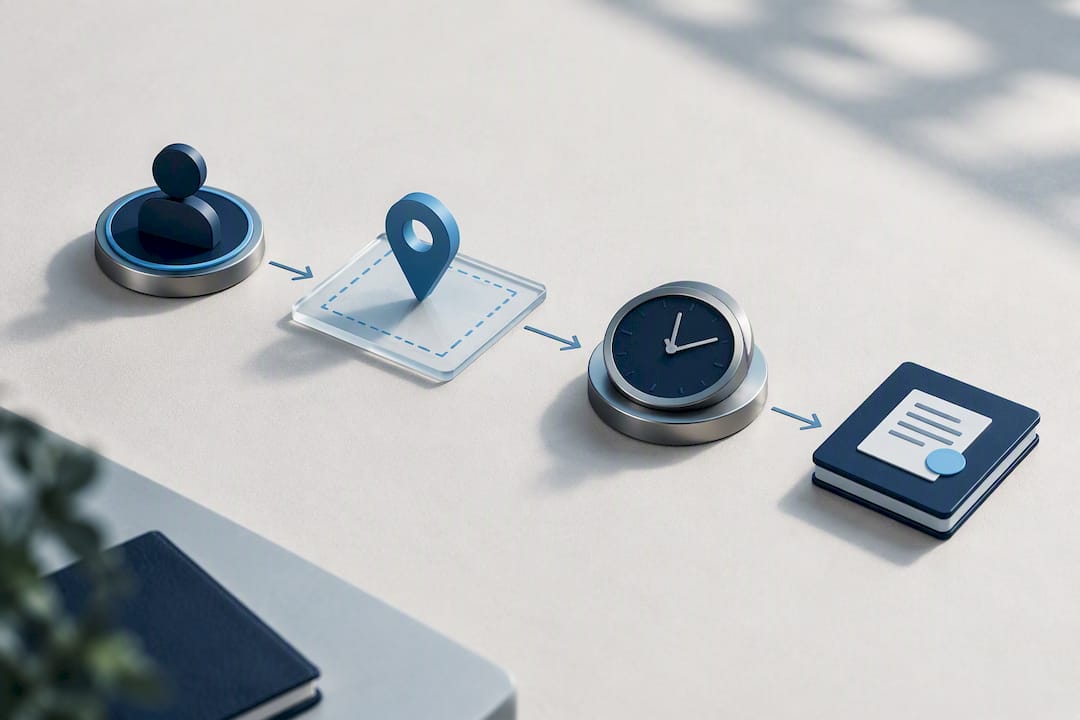
That's the gap most timekeeping failures fall into: not a lack of policy, but a lack of proof when someone asks for it. Features like geofencing, identity verification at clock-in, and automated payroll export don't replace your FLSA obligations. They give you a defensible answer the moment a record is questioned.
If you're rolling out a system like this, pilot it in one region first, train supervisors on approval workflows before go-live, and automate your retention and export settings so nobody has to remember a manual backup step.
— Clock-me
Ready to Put Your Timekeeping Records to the Test?
Clock-me is built around the exact problem this article covers: employers need records that hold up, not just records that exist. GPS-verified clock-ins, identity checks, and geofencing turn "the employee says they were on-site" into a timestamped, location-confirmed entry that survives an audit, and every punch flows straight into a payroll export instead of a spreadsheet someone has to reconcile by hand.
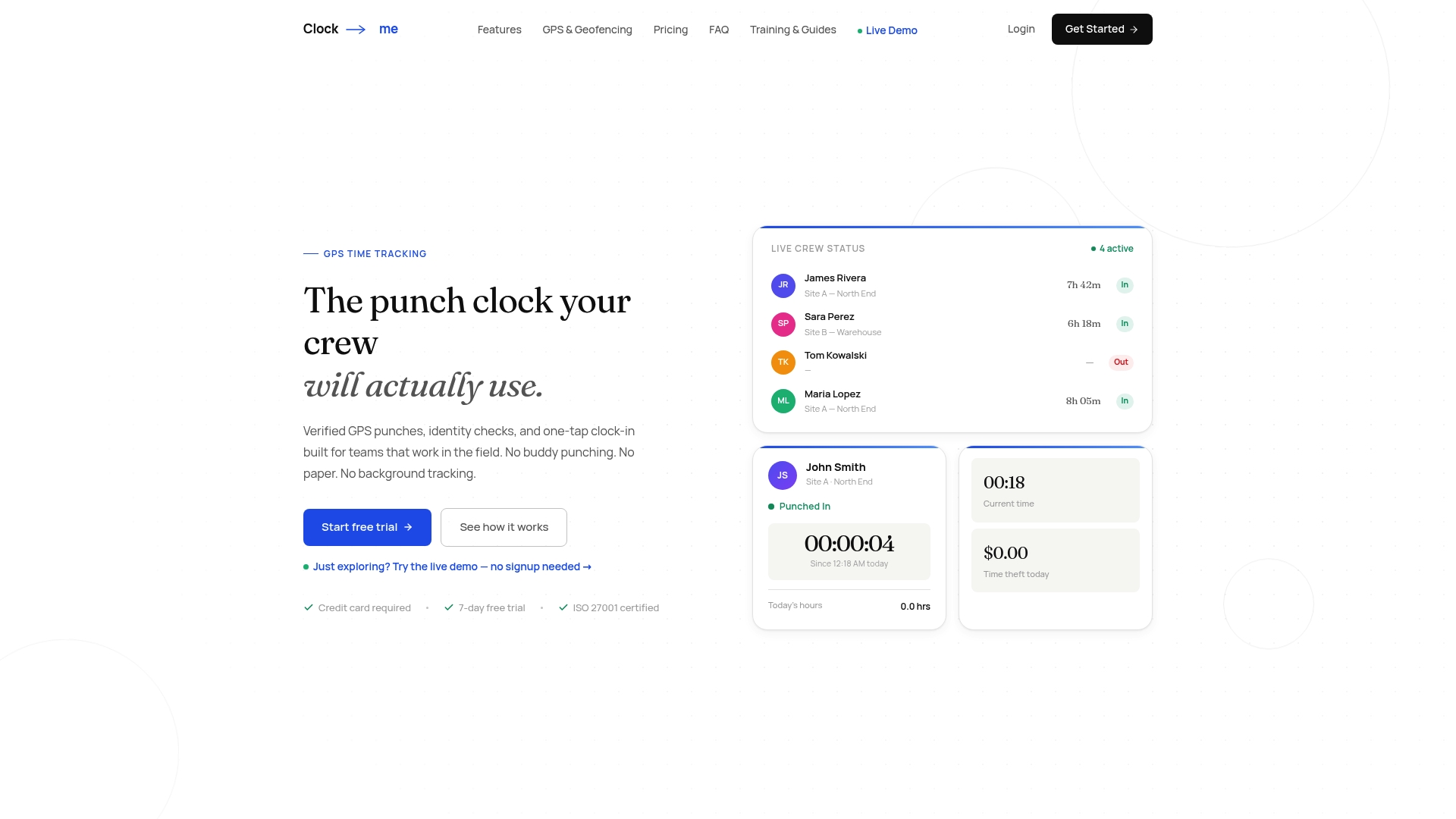
If you want to see how a pilot would look for your team, the GPS Time Tracking Setup Guide walks through configuration in minutes, and the full Clock-me solutions overview breaks down current plans and pricing. Start with one crew, one region, and see what a defensible time record actually looks like.
Where to Go for the Official Rules
Nothing in this guide replaces the primary sources. Bookmark these for the next time payroll asks a question you can't answer off the top of your head:
- DOL Fact Sheet #21 covers federal recordkeeping requirements in plain language
- 29 CFR Part 516 is the actual regulatory text listing every required record element
- California's DLSE guidance on paydays and recordkeeping shows how state rules can extend beyond the federal floor
- For employers with international operations, jurisdictional compliance guides help map out how far requirements can vary outside the US
Sources
- Fact Sheet #21: Recordkeeping Requirements under the Fair Labor Standards Act (FLSA)
- 29 CFR § 516.2 - Records to be kept by employers
FAQ
What Is the New OSHA Rule for Record Keeping?
OSHA's electronic recordkeeping rule applies to workplace injury and illness logs, not wage and hour data, so it operates separately from FLSA timekeeping obligations. Employers should treat OSHA logs and FLSA payroll records as two distinct compliance tracks with their own retention schedules.
How Long Do I Need to Keep Timesheets for Employees?
Federal law requires payroll records to be kept for three years and wage computation records, including time cards, for two years. If your state sets a longer retention period, apply that instead, since the strictest applicable retention rule governs.
Do Exempt Employees Need to Keep Track of Their Hours?
The FLSA's detailed hour-by-hour recordkeeping rules apply to nonexempt employees, not exempt ones, since exempt staff are paid a salary regardless of hours worked. Many employers still track exempt employees' schedules informally for staffing and leave purposes, but it isn't a federal recordkeeping requirement.
Do Employers Have to Have a Time Clock?
No. The FLSA doesn't require any specific device or format, only that whatever method you use produces complete and accurate records. A platform like Clock-me adds GPS verification and identity checks on top of that baseline, which strengthens your evidence without changing what the law technically requires.
What Happens if My Timekeeping Records Are Incomplete?
Incomplete records shift the practical advantage toward the employee in a wage dispute, since an employee's own testimony about hours worked can fill the gap your records leave. That often translates into higher back-pay exposure than the original error would have cost to fix.