
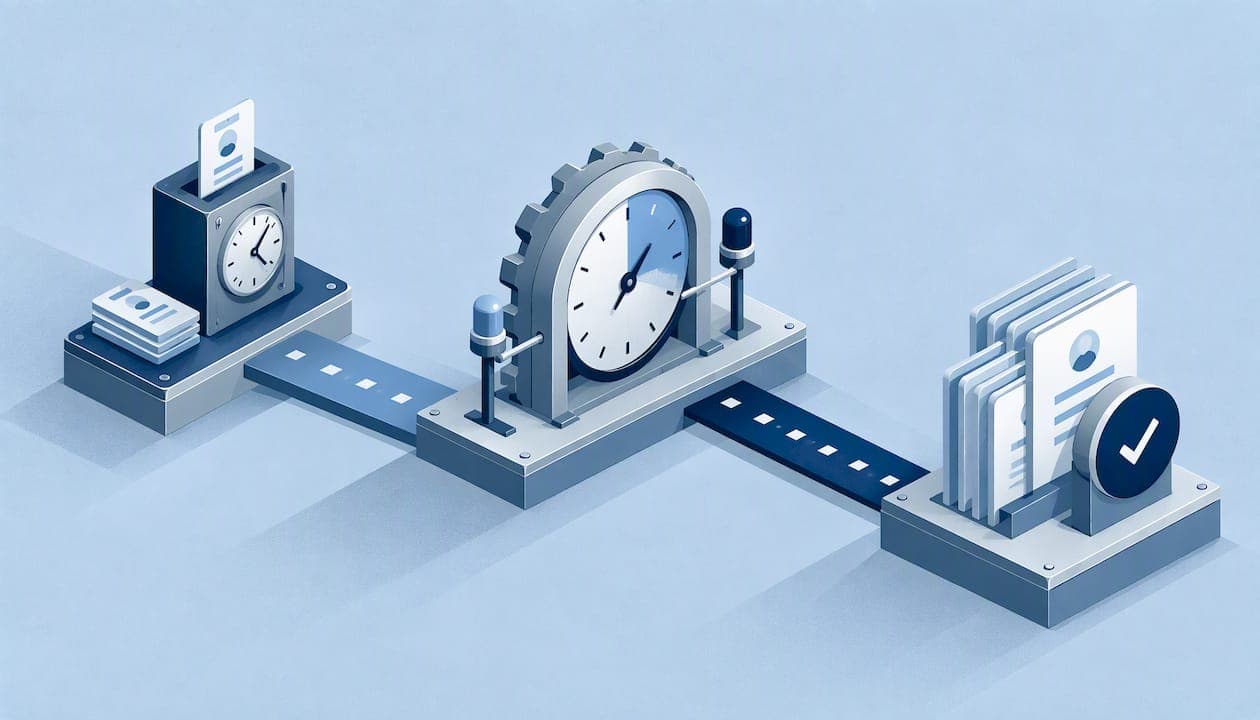
Overtime alerts tell you when an employee is about to cross, or has already crossed, a daily, weekly, or double-time threshold, so you can act before the cost lands on payroll. Set against the U.S. Department of Labor overtime rules under the FLSA, they turn a surprise into a decision. Clock-Me gives managers tools to monitor their teams' time.
TL;DR:
- Configure each location or workgroup with its own rules, since state and local laws may add daily overtime or double time beyond the federal limit.
- Employers generally must retain payroll records for at least three years and timecard records used for wage calculations for two years, backed by accurate punches.
- Use projected hours and a nearing threshold warning to adjust schedules before overtime accrues; end of pay period totals only reveal costs already incurred.
- Pair alerts with punches verified by identity and GPS, plus timecard approval, because alerts alone cannot establish who worked or whether hours are accurate.
Table of Contents
- How do overtime alerts work in a time-tracking system?
- How do you configure daily, weekly, and double-time overtime rules?
- Which triggers and notifications keep overtime from surprising you?
- What should an overtime dashboard show you?
- What do the FLSA and recordkeeping rules require?
- What is the practical setup checklist for overtime alerts?
- How do overtime alerts reduce buddy punching and time fraud?
- What do overtime alerts look like in practice?
- How do mobile notifications and employee-side visibility work?
- What data security and privacy measures matter for overtime alerts?
- How do overtime alerts handle state-specific labor laws beyond the FLSA?
- How can you customize overtime alerts by role, shift, or department?
- Why we pair overtime alerts with approvals and verified punches
- Clock-Me gives you overtime visibility, verified punches, and audit-ready records
- FAQ
- Sources
How do overtime alerts work in a time-tracking system?
An overtime alert is a rule that watches hours as they accumulate and sends a message when a limit gets close. The logic runs on a handful of inputs, and the quality of the alert depends entirely on the quality of those inputs.
- Punch data: clock-ins and clock-outs are the raw material for every calculation.
- Scheduled hours: the shift a person is expected to work lets the system estimate where the week will end.
- Breaks: paid and unpaid breaks change how many hours count toward a threshold.
- Projected hours: scheduled time still ahead, added to hours already worked, shows overtime before it happens.
Real-time calculation matters because a report that totals hours at the end of the pay period can only tell you what already went wrong. When the system recalculates with every punch, you see the trend by Tuesday instead of the damage on Friday. Projections go one step further: they tell you that a crew member with substantial hours logged and more long shifts still scheduled may finish the week over the line.
Most systems offer a few common alert types: nearing a threshold, threshold crossed, a shift acceptance that would create overtime, and a clock-out flag when a punch pushes someone over. Admins can scope each one by workgroup, role, or individual manager, so a site supervisor only sees the people they approve.
Pro Tip: Start with the "nearing threshold" alert before any other. It is the only one that gives you time to change a schedule instead of explaining a bill.
How do you configure daily, weekly, and double-time overtime rules?
Configuration is where most alert systems succeed or quietly fail. A rule set to the wrong threshold will fire at the wrong moment, or never.
Under federal law, covered nonexempt employees must be paid at least one and one-half times their regular rate for hours worked over 40 in a workweek, and the workweek is a fixed 168-hour period, as the FLSA overtime fact sheet explains. That is the weekly baseline. Some states add daily thresholds or double-time rules on top, so a person can trigger overtime in a single long day without ever reaching the weekly line. Running both rules at once is often necessary, and the alert logic has to understand how they interact so one hour is not counted twice.
Work through the setup in this order:
- Confirm the start day and time of your workweek and enter it exactly.
- Set the weekly threshold your jurisdiction requires.
- Add any daily overtime threshold that applies to the site.
- Add a double-time threshold where local rules call for one.
- Decide how the rules treat hourly, salaried nonexempt, and mixed-pay employees, since the regular rate calculation can differ.
Multi-site employers face a specific trap. Applying one company-wide overtime rule is a common compliance risk, and the better practice is to tag each workgroup or location with its own local rules.
Pro Tip: Name workgroups after the rule set they follow, such as "California sites" or "Weekly-only sites." You will spot a mismatch at a glance.
Which triggers and notifications keep overtime from surprising you?
A good trigger fires early enough to change the outcome. The most useful ones are a "within X hours of overtime" warning, a flag at clock-in or clock-out, and a notice when someone accepts a shift that will add overtime.
Channel choice shapes how fast anyone reacts:
- In-app notifications: best for managers who already live in the dashboard.
- Email: a reliable record that is easy to forward to a payroll lead.
- SMS: the fastest option for a supervisor who is on a job site, not at a desk.
- Opt-in preferences: let each manager pick the channels they will actually read.
Alert fatigue is the real enemy. If every manager receives every warning, they learn to ignore all of them. Role-based alerts keep each person's inbox tied to the people they approve. Digest schedules batch lower-priority warnings into one daily summary. Threshold tuning, such as warning earlier, trims noise without losing the early signal.
Team size should drive the pattern. Small teams do well with immediate in-app plus email alerts, since a single owner can respond on the spot. Larger organizations tend to work better with digests for routine warnings and escalations that send a second notice to a higher-level manager when a threshold is crossed and nobody has acted.
What should an overtime dashboard show you?
A dashboard earns its place when it lets you find a problem in seconds and trace it to a cause. The elements worth having are straightforward.
- Total overtime: the company-wide figure for the current pay period.
- Breakdowns: the same figure split by location, team, and employee.
- Projected overtime: hours still expected, so you can see the end of the week from the middle of it.
- Drill-downs: a click from any total to the timecards behind it.
Drill-downs are where root causes surface. A spike at one site may trace back to missed breaks, a run of shift swaps, or a scheduling gap that left one person covering for two. Without the drill-down you only see that overtime exists, not why.
Projections are the part that changes behavior. When you can see that a team will land over the weekly line, you can shift a Thursday shift to someone with room, or send a worker home early on Friday. That is the whole point of watching hours in real time.
The dashboard should also connect to the steps after it. When overtime flows into timesheet approval and a payroll export, the loop closes: what you saw in the alert is what you review and what gets paid. For a sense of why export structure matters, see how payroll export and timesheet features handle hours leaving a system and entering payroll.
The weekly line is fixed: the Department of Labor states that overtime is owed for hours over 40 in a designated 168-hour workweek, so a dashboard built around that window shows the same number an auditor would.
What do the FLSA and recordkeeping rules require?
The federal baseline is simple to state. Covered nonexempt employees must receive overtime at not less than one and one-half times their regular rate for hours over 40 in a workweek, and the DOL overtime guidance adds that mandatory overtime pay cannot be waived by agreement. Averaging hours across multiple weeks is not permitted, so a 50-hour week cannot be offset by a 30-hour week.
Alerts help you manage that rule, but they do not satisfy the recordkeeping side of it. Employers must keep accurate records of hours worked and wages paid. Under the DOL recordkeeping guidance, payroll records should generally be kept for at least three years, and time-card records used to calculate wages for two years. Any timekeeping method is acceptable as long as the information is complete and accurate.
That last point deserves attention. As Fact Sheet #21 on FLSA recordkeeping makes clear, documentation is the employer's job. An alert system built on incomplete or poorly maintained punch data can still leave a gap in an audit if the underlying time-clock records do not meet the regulatory standard.
Practical controls that hold up under review:
- Tamper-resistant timestamps: every punch carries a time that cannot be quietly edited.
- Retained timecards: stored for at least the retention periods above.
- Payroll export: a clean trail from punch to paycheck.
- Documented edits: any correction recorded with who made it and why.
For a deeper walk through building this foundation, read our guide to audit-ready FLSA timekeeping.
What is the practical setup checklist for overtime alerts?
Rolling alerts out well takes a few days of preparation, not a few weeks. Follow these steps in order.
- Map your workweeks. Confirm the start day and time, then tag every location and workgroup with the local rules that apply to it.
- Set thresholds and preferences. Enter the daily, weekly, and double-time limits, then choose who gets which notification and by what channel.
- Test the math. Run a dry-run payroll export and simulate clock-ins that cross each threshold. Check that the alert fires, the hours land in the right bucket, and the record is complete.
- Pilot with one team. Train employees and approvers on what the alerts mean, review the reports after the first pay period, and adjust.
- Expand. Add the remaining teams once the pilot numbers match what payroll expects.
Field teams add a wrinkle: punches come from phones in the field, so testing should include real job sites, not just an office. Our guide to deploying a mobile time clock for field teams covers that rollout in more detail.
Training matters more than most managers expect. Approvers need to know which alert requires action and which is informational. Employees need to know that a warning is not a reprimand.
Pro Tip: Pick the pilot team for variety, not convenience. A group with mixed shifts and pay types will expose a configuration error that a uniform team would hide.
How do overtime alerts reduce buddy punching and time fraud?
Overtime alerts do not stop buddy punching by themselves. What they do is make fraud easier to see, and that changes how people behave. When hours are monitored against a threshold in real time, an unusual pattern stands out: one employee whose punches always land at the same minute as a coworker's, or a worker whose logged hours climb toward overtime while their location data tells a different story.
The strongest protection pairs alerts with verification at the moment of the punch. A GPS-verified clock-in confirms where the person was, and identity verification confirms who they were. With those two checks in place, an overtime alert becomes more trustworthy, because the hours feeding it are harder to fake.
There is also a deterrent effect. Employees who know that approaching overtime triggers a manager notification are less likely to pad hours or ask a friend to punch them in, since the extra time would surface quickly.
For managers, the practical habits are:
- Review flagged punches: when an alert fires, glance at the location and identity record behind it.
- Watch for patterns: repeated identical punch times across people deserve a conversation.
- Keep the evidence: verified records protect honest employees as much as they expose dishonest ones.
Treat alerts as one layer of a system, alongside verified punches and timecard approval, not as a standalone fraud detector.
What do overtime alerts look like in practice?
Consider two illustrative scenarios built from how these tools are typically used. They are examples, not measured results.
A landscaping crew. A manager runs crews across different job sites. Midweek, a "nearing threshold" alert shows that one crew lead has substantial hours logged with long shifts still on the schedule. The manager moves a Friday job to a second crew with room in its hours. Without the alert, the lead would have crossed 40 and the company would have paid premium rates on hours that could have been shifted.
A multi-site service company. An owner has locations in jurisdictions with different overtime rules. Before tagging each site with its own rule set, the system applied one threshold to everyone. After tagging, the alerts matched each site's local requirements, and the owner stopped finding corrections at the end of the pay period.
Both examples show the same shape. The alert supplies early information, the manager supplies the decision, and verified records supply the proof. The productivity gain comes from fewer reactive corrections and fewer surprise payroll totals, while the compliance gain comes from rules that match the place where the work happens.
If you want to build the approval side of this loop, our guide to a timecard approval workflow shows how to catch errors before they reach payroll.
How do mobile notifications and employee-side visibility work?
Managers are not the only people who benefit from seeing overtime coming. When employees can see their own hours on a phone, many problems solve themselves before a manager gets involved.
Mobile notifications reach people where they already are. A field worker with a phone in a truck cab will respond to a push alert faster than to an email they see that evening. The most useful employee-facing items are simple:
- Hours so far this week: a running total they can check at any time.
- A heads-up near the threshold: a gentle notice that overtime is close.
- Shift acceptance warnings: a message before they take a shift that would add overtime.
Employee visibility also supports honesty on both sides. Workers who can see their own totals are less likely to dispute them later, and managers have a shared record to point to. That said, you control how much to expose. Some employers show hours only, while others show projected overtime. Decide based on your culture and on whether employees can act on the information.
A common mistake is sending employees the same alert text as managers. A manager's "Maria will cross 40 hours Thursday" is an action item. An employee's version should be a plain statement of their own hours, without cost framing.
Finally, keep mobile punches consistent with your records. The same verified clock-in that feeds the manager's dashboard should feed the employee's view, so everyone looks at one set of numbers.
What data security and privacy measures matter for overtime alerts?
Overtime alerts run on sensitive information: when people worked, where they were, and sometimes who they are. That data deserves protection beyond the basics.
Start with access. Not every manager needs to see every employee. Scope alert visibility by workgroup or approver so a supervisor sees only their own team's hours and notifications. Narrow access limits the damage if an account is compromised and keeps personal information with the people who need it.
Next, consider what the alerts themselves reveal. An email or text that names an employee and their hours travels through channels you may not control. Where possible, keep sensitive detail inside the app and let the notification point to it instead of repeating it.
Location data needs particular care. If your system uses GPS verification, tell employees clearly when location is captured and why. Collecting location only at the moment of a punch, rather than tracking continuously, respects privacy while still confirming where the work happened.
Good practice also includes:
- Retention rules: keep records as long as the law requires, then handle them according to your policy.
- Edit logs: record every change to a timecard and who made it.
- Clear policies: write down what is collected, who sees it, and how long it is kept.
Check any privacy obligations that apply in your state or country, since requirements vary, and ask a qualified professional about your specific case.
How do overtime alerts handle state-specific labor laws beyond the FLSA?
The FLSA is a floor, not a ceiling. Check the applicable state and local rules in addition to the federal rules. Daily overtime thresholds, double-time pay, and rules about rest and meal periods vary by location, so an alert tuned only to the federal 40-hour week can miss a violation entirely.
Here is how that plays out. A worker in a state with a daily overtime rule can earn premium pay after a single long shift even though their weekly total sits well under 40. A weekly-only alert would stay silent, and the first sign of trouble would be a wage claim. The fix is to configure the daily rule at the location level, so the alert matches the law where the person works.
California is one jurisdiction where employers may need to verify overtime requirements. If you operate there, our guides on California overtime rules and audit-ready timekeeping for California employers go deeper on the details.
For any multi-state team, the working method is the same:
- Identify each jurisdiction: list every state or locality where employees work.
- Confirm the rule set: check each against the official source for that place.
- Tag the workgroup: apply that rule set to that location, not to the whole company.
- Review on a schedule: laws change, so recheck your settings periodically.
Because rules differ and change, confirm your configuration against the governing agency's guidance or with an employment professional before relying on it.
How can you customize overtime alerts by role, shift, or department?
One alert setting rarely fits an entire workforce. A dispatcher on a fixed schedule and a technician on variable field shifts face very different overtime risks, and treating them the same produces either missed warnings or constant noise.
Start by separating the groups that behave differently. Roles with predictable schedules can use tighter thresholds, since any deviation is meaningful. Roles with unpredictable hours, such as on-call or seasonal field work, may need earlier warnings and wider projections so a manager sees the trend before it becomes a bill.
Shifts matter too. Night and weekend shifts often carry premium rules or thinner supervision, which makes automated alerts more valuable there. A manager who is not on site still needs to know that a worker is approaching a threshold.
Departments can also differ in who should be notified. Route each alert to the person who can act on it:
- Crew lead: receives warnings for their own team.
- Department manager: receives a daily digest and any threshold crossings.
- Payroll or HR: receives summaries and anything that touches compliance.
Keep the number of variations manageable. Every custom rule is another thing to test and maintain. A sensible approach is to begin with a few groups, confirm the alerts behave as expected, and add more only when a real need appears.
When you change a parameter, test it with a simulated punch before you rely on it, just as you would during the initial rollout.
Why we pair overtime alerts with approvals and verified punches
Alerts are the early warning, but they are not the whole system, and we think managers lean on them too heavily when they stand alone. An alert tells you hours are climbing. It cannot tell you whether those hours are accurate, whether the right person worked them, or whether the threshold it used was correct for that site.
That is why we argue for three layers working together. Alerts surface the risk. Timecard approval gives a human the chance to catch an error before it reaches payroll. Identity-verified, GPS-confirmed punches make sure the underlying hours are real. Remove any layer and the others carry more weight than they can hold.

The same logic applies to rules. A single global setting is tidy but wrong for any team working under different local requirements, so we would always configure by site.
The payoff is practical: fewer payroll corrections, fewer disputes about who worked when, and a cleaner trail if an auditor ever asks.
— Clock-me
Clock-Me gives you overtime visibility, verified punches, and audit-ready records
We built Clock-Me for teams that work in the field, where overtime surprises are expensive and paper timesheets cannot keep up. Here is what we offer that applies to everything covered above:
- Configurable overtime rules you can set to match each location
- Manager notifications when hours approach or cross a threshold
- Live dashboards showing hours across your team
- Timesheet approval and payroll export to close the loop
- Recordkeeping support
- GPS-verified clock-ins and identity verification to confirm who punched in and where
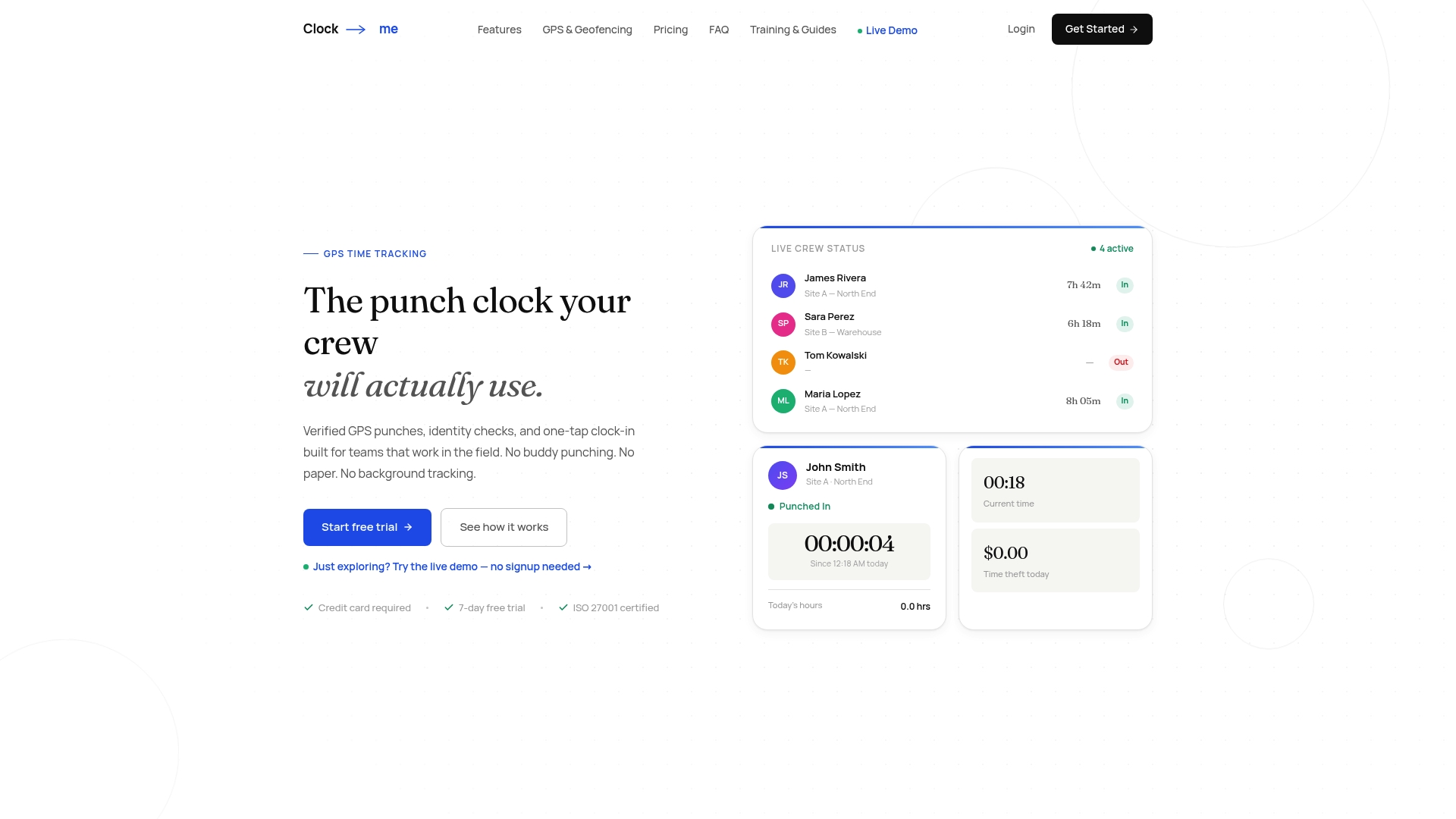
You can compare current pricing on our solutions page, or request a demo to learn more about our platform. We will help you think through your workweeks and rules.
This article is general information, not a substitute for advice from a qualified lawyer. Consult a qualified legal professional about your own circumstances before acting on anything here.
FAQ
What is an overtime alert in time tracking?
An overtime alert is an automatic notification that fires when an employee's hours approach or cross a set threshold. It gives managers time to adjust schedules before premium pay accrues. Under federal rules, overtime applies to hours over 40 in a workweek, per the Department of Labor.
Do overtime alerts replace timekeeping records?
No. Alerts help you manage hours, but employers must still keep accurate records of hours worked and wages paid. Records built on incomplete punch data can leave a gap in an audit, as Fact Sheet #21 explains.
How long should overtime and payroll records be kept?
Payroll records should generally be kept for at least three years, and time-card wage calculation records for two years, according to the DOL recordkeeping guidance. Your state may require longer, so check local rules.
Should every location use the same overtime settings?
Usually not. Rules differ by state and locality, so tag each workgroup or location with its own rule set instead of using one company-wide setting.