
An audit trail for time tracking creates tamper-resistant, time-stamped records of every clock event so payroll and HR can prove who worked when, where, and under what authorization. Done right, it delivers defensible payroll records, audit readiness, and real accountability across your field teams. Below, we cover retention rules, time synchronization, immutability, and a step-by-step checklist.
TL;DR:
- U.S. employers must retain payroll records for three years and supporting wage records, including time cards and schedules, for at least two years.
- Capture each clock event with a verified identity, authoritative timestamp, source, and before and after values; store original entries in append only or immutable storage.
- High security systems should hold clock drift to around 50 milliseconds, while payroll systems need synchronized clocks rather than trading floor precision.
- Map retention rules by jurisdiction, keep searchable logs separate from long term archives, and document archival proof and the reason for each retention period.
- Pilot the full workflow with HR and payroll through one pay cycle, test forwarding failures and archive resistance, and retain documented test results.
Table of Contents
- What an Audit Trail for Time Tracking Actually Includes
- How Audit Trails Work Behind the Scenes
- Compliance and Retention: What Timelines Actually Apply
- Best Practices to Make Time Tracking Audit-Ready
- A 7-Step Checklist to Get Audit-Ready
- The Role of Identity Verification in Audit Trail Reliability
- Designing an Audit Trail Interface People Can Actually Use
- Data Security Measures Built for Audit Trail Integrity
- Why Most Companies Treat Audit Readiness as an Afterthought
- A Practical Path to Audit-Ready Time Tracking
- FAQ
- Sources
What an Audit Trail for Time Tracking Actually Includes
A basic activity log tells you that something happened. An audit trail tells you who did it, when, from where, and what changed, which is the distinction auditors actually care about. Audit trail software creates a chronological, verifiable record that attaches timestamps, user identity, and context to each action, turning a simple event log into usable evidence.
For time tracking specifically, a complete audit trail captures:
- Event type: clock-in, clock-out, break start, manual edit, or approval action
- Timestamp: synced to an authoritative time source, not the device clock
- User identity: who performed the action, verified rather than assumed
- Source system: mobile app, web portal, kiosk, or administrative override
- Before and after values: what a record looked like before and after any edit
- Contextual metadata: GPS coordinates, device ID, IP address, or geofence status
A clock-in with no location data, or a timecard edit with no record of who made it, leaves a gap that an auditor or a disputing employee can exploit, making tools like Caretracker essential for accurate caregiver time logging.
How Audit Trails Work Behind the Scenes
Automatic capture beats manual entry for one simple reason: a system records events the instant they happen, while manual logs depend on someone remembering to write them down later. That gap is where disputes and compliance failures start.
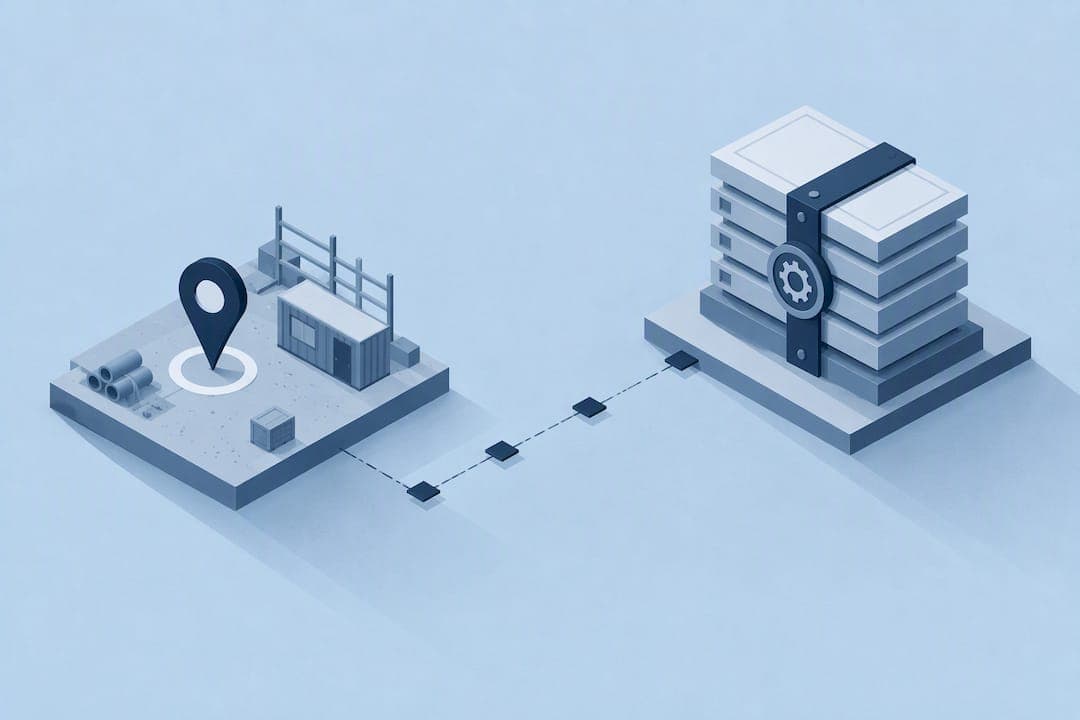
Here's the typical pipeline for a time-tracking audit trail:
- Capture: a clock event fires from a mobile app, kiosk, or GPS-verified punch
- Collection: the event moves to a collector service, buffered locally if the network drops
- Central storage: validated events land in a central, access-controlled data store
- Archival: records that must survive long term move to write-once, append-only (WORM) storage
Timestamp accuracy depends on clock synchronization to an authoritative time source, typically through Network Time Protocol. According to Department of Labor guidance on recordkeeping, high-security systems should hold clock drift to around 50 milliseconds, with trading systems held even tighter at 100 milliseconds. A payroll system doesn't need trading-floor precision, but unsynced clocks across devices can scramble the sequence of events an auditor relies on to reconstruct a shift.
Access controls matter just as much as capture. Role separation keeps the person who approves timecards distinct from the person who can edit the underlying log, and any change to retention settings or log configuration should go through documented change control.
Pro Tip: Ask your vendor to show you the exact path an event takes from the clock-in button to long-term storage, not just a feature list.
Compliance and Retention: What Timelines Actually Apply
Retention rules are not one-size-fits-all, and getting them wrong creates exposure long after the original dispute is forgotten.
In the United States, the Fair Labor Standards Act recordkeeping fact sheet sets payroll record retention at three years, while records supporting wage calculations, including time cards and work schedules, must be kept for at least two years.
Those federal minimums describe the floor, not the ceiling, and many states and industries layer on longer requirements, so retention needs to be mapped jurisdiction by jurisdiction rather than assumed.
A second distinction matters for day-to-day operations: the difference between a searchable working window and long-term archival. ISO 27001 control A.8.17 guidance notes that purpose-built audit tools typically keep logs searchable for a working window, commonly around 90 days, with separate long-term archival options for anything that must survive beyond that.

Payroll records: 3 years. Time records: 2 years, per FLSA recordkeeping guidance. That single figure should anchor your retention policy before you add any state-specific extensions.
Before an audit arrives, you want three things already documented: your retention schedule by jurisdiction, proof that archival actually happened on schedule, and a written policy that explains why each retention period was chosen. Our guide on FLSA timekeeping requirements walks through mapping these windows with GPS-verified records.
Best Practices to Make Time Tracking Audit-Ready
A handful of architectural choices separate systems that sail through an audit from systems that generate frantic late-night data pulls.
- Enforce append-only writes. In-scope logs should be written once and never altered, using WORM storage or an equivalent that makes tampering detectable.
- Centralize logs and separate admin roles. The person managing payroll should not be the same person who can rewrite the audit log, and any retention or configuration change should pass through documented change control.
- Synchronize clocks and monitor drift. Every device feeding the system should sync to the same authoritative time source, with alerts when drift creeps past your threshold.
- Test immutability on a schedule. Document the test, not just the result, so you have proof ready when an auditor asks.
- Monitor the pipeline itself. Dropped logs or failed forwarding during a network outage are exactly the kind of gap auditors flag.
- Apply privacy by design. Collect only the data you need, tell employees clearly what you collect and why, and limit who can view it.
That last point carries legal weight beyond good practice. Working time data counts as personal data under several privacy frameworks, which makes data minimization and transparent employee notice part of your compliance posture, not just a courtesy. Our piece on employee GPS privacy covers how to design location capture around discrete events rather than continuous streams, which cuts legal exposure substantially.
Pro Tip: Keep a one-page diagram of your log pipeline, from clock-in to archive, and update it every time the architecture changes. Auditors ask for it more often than you'd expect.
A 7-Step Checklist to Get Audit-Ready
Turning these principles into practice goes faster with a defined sequence.
- Define scope. List which events, systems, and employee groups fall under the audit trail.
- Map retention by jurisdiction. Document the legal minimum for each location where you operate and set your policy above it.
- Choose your capture method. Decide how clock events get verified, through GPS-verified punches, identity checks, or shift attestation.
- Configure time sync and archival. Set every device to an authoritative time source and route in-scope logs to WORM-backed or equivalent immutable storage.
- Set access controls and change control. Define who can view, approve, or edit records, and require sign-off on any configuration change.
- Run and record tests. Simulate a forwarding failure and test that your archive actually resists edits, then keep the results on file.
- Pilot with HR and payroll. Run a small group through a full pay cycle before rolling out company-wide, then adjust based on what breaks.
| Step | Primary owner | Key output |
|---|---|---|
| Define scope | Operations manager | Documented event list |
| Map retention | HR or legal | Jurisdiction-based policy |
| Choose capture method | IT or operations | Verification workflow |
| Configure sync and archival | IT | WORM-backed storage |
| Set access controls | IT and HR | Role matrix |
| Run tests | IT | Test log and results |
| Pilot | HR and payroll | Pilot report |
Our timecard approval workflow guide breaks the approval step down further for admins running a pilot.
The Role of Identity Verification in Audit Trail Reliability
A timestamp is only as trustworthy as the identity attached to it. An audit trail that records "someone clocked in at 7:02 AM" without confirming who that someone was leaves the entire record open to challenge, whether from buddy punching, shared logins, or a simple data entry mistake.
Identity verification closes that gap by tying each event to a specific, confirmed person rather than a device or a password. That might mean a photo capture at clock-in, a biometric check, or a device-bound login that resists sharing. Once identity is confirmed at the point of capture, every downstream record, the timecard, the approval, the payroll export, inherits that same confidence.
This matters most for distributed field teams, where a supervisor cannot visually confirm who is on site. Without identity verification built into the capture step, a manager reviewing a dispute has to rely on secondhand accounts instead of a verified record. With it, the audit trail itself becomes the evidence, reducing the time spent chasing down who actually worked a given shift.
Strong identity checks also discourage the behavior that creates most time-tracking disputes in the first place. When employees know a clock-in is tied to a verified identity rather than a shared device, the incentive to punch in for a coworker largely disappears, which cuts down on the manual corrections that otherwise eat into a payroll team's week.
Designing an Audit Trail Interface People Can Actually Use
An audit trail that only a database administrator can read is not much use to a payroll manager trying to resolve a dispute by Friday. Interface design determines whether an audit trail functions as a practical tool or sits unused until an auditor forces someone to dig through raw logs.
A clear audit trail interface presents each event in plain language: who, what, when, and where, in that order, without requiring the reader to decode system jargon. Filtering by employee, date range, or event type turns a sprawling log into a focused answer to a specific question, like "show me every edit to this timecard."
Accessibility matters here too. Color alone should never carry meaning, since not every manager or auditor can distinguish it reliably, and text labels should back up any status indicator. Export options matter as well, since auditors and payroll processors often need records in a portable format rather than locked inside a dashboard.
Live dashboards that update in real time give managers a current view of who is clocked in and where, which shortens the time needed to assemble evidence when a question comes up mid-pay-period rather than after the fact.
Data Security Measures Built for Audit Trail Integrity
An audit trail carries sensitive information: employee locations, work hours, and identity data. Securing that record requires more than a password on the login screen.
Encryption in transit and at rest keeps intercepted data unreadable, while role-based access controls limit who can view or export records to only the people whose job requires it. The administrator who can configure the system generally should not be the same person authorized to approve timecards, since that separation is what makes an audit trail credible rather than circular.
Immutable or append-only storage prevents a changed record from overwriting the original, so any edit creates a new entry rather than erasing history. That architecture is what lets you answer an auditor's question with "here is the original entry and here is the correction," rather than "we're not sure what it originally said."

Data minimization plays a security role as well as a privacy one: the less sensitive data a system holds, the smaller the target if a breach occurs. Collecting location data at discrete clock-in events, rather than continuously tracking movement throughout a shift, reduces that exposure while still producing the evidence an audit trail needs.
Why Most Companies Treat Audit Readiness as an Afterthought
Most companies build their time-tracking system first and think about audits later, which is backward. By the time a wage dispute or a compliance review arrives, the gaps in the record are already baked in: missing timestamps, unsynced clocks, edits with no trace of who made them.
The uncomfortable truth is that audit readiness is mostly an architecture decision, not a policy decision. You can write the most thorough retention policy in the world, but if your underlying system allows silent edits or lacks synchronized timestamps, that policy is just a document with no evidence behind it. DoD financial management guidance makes this point directly: time-and-attendance information supporting financial reports needs to be auditable by design, with accountability and attestation built into the process rather than bolted on.
The managers who avoid audit headaches are not the ones with the longest compliance manuals. They are the ones who picked a system where immutability, identity verification, and synchronized timestamps were non-negotiable from day one, because retrofitting an audit trail onto years of unverified logs is far harder than starting clean.
— Clock-me
A Practical Path to Audit-Ready Time Tracking
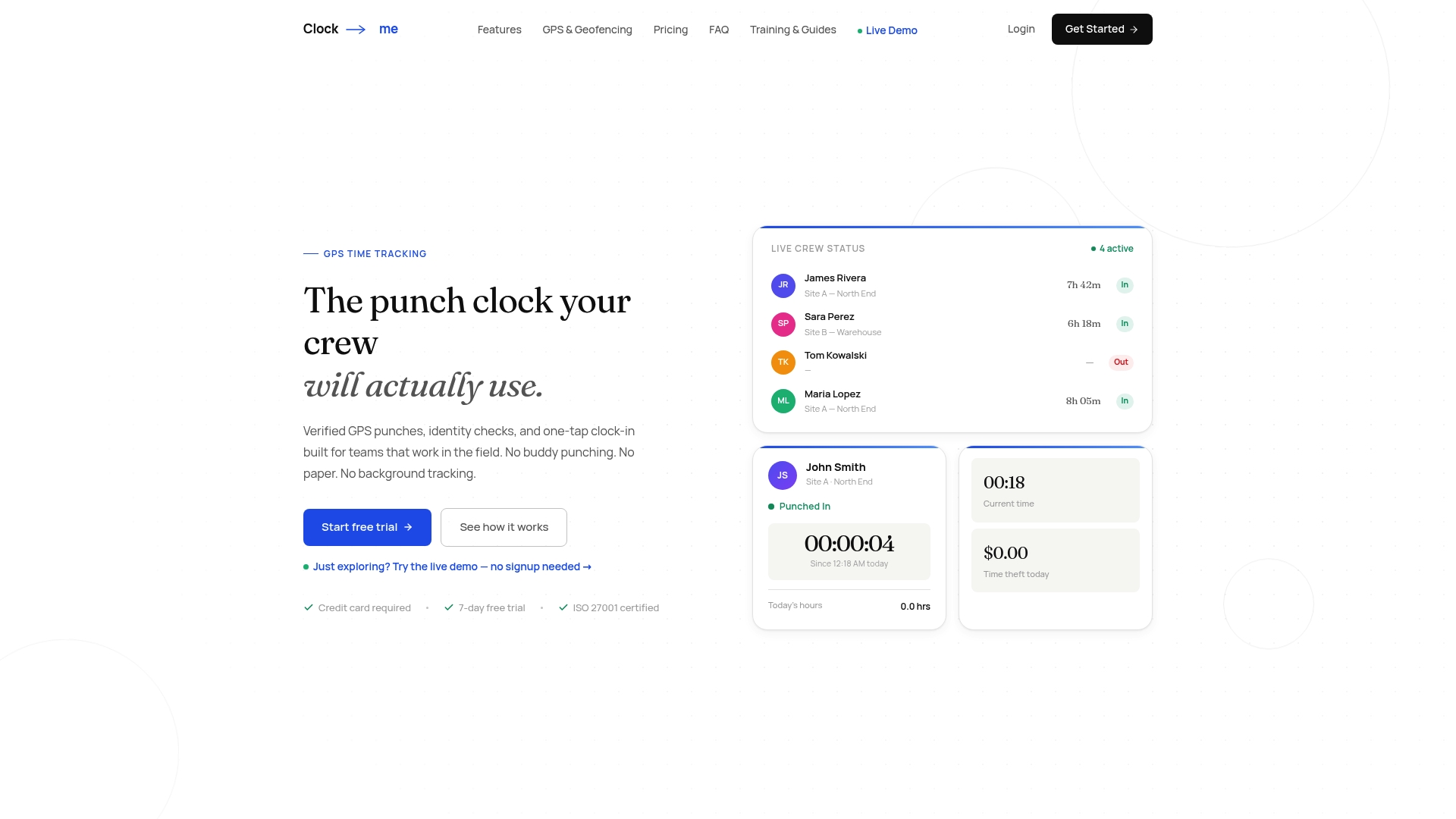
We built Clock-Me around the idea that field teams need verified records, not paperwork. GPS-verified clock-ins and identity checks mean every event captured carries the who, what, when, and where that auditors look for, while dashboards and attestation workflows help reduce the time spent reconstructing timecards after the fact.
Our solutions page outlines plan details from Free through Enterprise, so you can compare what fits your team's size before committing. We'd still recommend checking any feature against your own jurisdiction's compliance requirements before rollout.
FAQ
What Is an Audit Trail in Clinical Research?
In clinical research, an audit trail is a chronological record that documents who created, modified, or accessed study data and when, supporting the integrity of trial results. The same underlying principle applies to time tracking: a verifiable record of who did what and when, attached to every event.
What Are the Steps in an Audit Process?
An audit process generally moves through planning, scoping the records in question, gathering evidence, testing controls like access restrictions and immutability, and reporting findings. For time tracking specifically, auditors typically check that timestamps are synchronized, identity is verified, and retention policies match documented legal minimums.
Can an Audit Trail Be Deleted?
A properly designed audit trail should not allow deletion or silent alteration of its records, since that undermines its purpose as evidence. Systems built on write-once or append-only storage make any change create a new entry rather than erasing the original, which is what keeps the record credible under review.
What Should You Check Before Choosing a Time-Tracking Audit Trail System?
Before choosing a system, confirm it synchronizes timestamps to an authoritative time source, verifies user identity at the point of capture, and stores in-scope records in immutable or append-only storage. You should also confirm the retention windows match your jurisdiction's legal minimums, such as the three-year payroll and two-year time record minimums under U.S. federal law.
Sources
- U.S. Department of Labor — FLSA recordkeeping
- UpGuard — ISO 27001 control A.8.17 overview
- Suralink — Audit trail software: what it is, why it matters, and how it works