

Attendance exception management is the process of catching, verifying, and documenting deviations from an employee's expected schedule before payroll runs. The moment a system flags a late punch, missed clock-in, or unscheduled hour, your job is simple: check the audit trail, confirm what happened with the employee, and record your decision. Two things protect you later: a clear audit trail and a documented manager decision on every flagged event.
TL;DR:
- Most exceptions that affect pay, such as late arrivals and unauthorized overtime, require prompt review due to their potential payroll impact.
- Configuring threshold rules based on actual policy language and legal requirements prevents unnecessary flagging and reduces review noise.
- Consistent documentation and decision-making, including evidence verification and logging, ensure audit readiness and legal compliance.
- Field employee location and identity signals can verify exceptions but should never automatically dictate discipline without contextual review.
- Regularly reviewing exceptions with a fixed cadence and separating high- and low-severity flags maintain fairness, morale, and payroll accuracy.
Table of Contents
- What attendance exception management covers and why the exception-error distinction matters
- Common attendance exception types to track
- How to configure rules and thresholds without creating noise
- Reviewing, triaging, and resolving exceptions step by step
- Audit trail, recordkeeping, and payroll compliance
- Using location and identity signals for field teams responsibly
- Practitioner tips and common pitfalls in exception management
- How attendance exceptions affect morale and productivity
- What consistent exception handling looks like in practice
- Making attendance exception workflows easier for field teams
- Sources
- FAQ
What attendance exception management covers and why the exception-error distinction matters
Attendance exception management exists to keep payroll accurate, support labor law compliance, and treat every employee the same way when their time record doesn't match the plan. The goal isn't to punish deviations. It's to resolve them consistently and keep a paper trail that holds up if anyone asks questions later.
An exception is different from an error. An exception is a signal that requires a decision: an employee clocked in ten minutes late, or worked through a scheduled break. An error is a data problem: a punch that never registered because of a device glitch, or a duplicate entry from a system sync issue.
- Exceptions trigger a manager decision and often change the payable record.
- Errors get corrected as data fixes, with no judgment call attached.
- Some exceptions are purely informational and don't need to touch payroll at all, like a supervisor-approved early departure that was already scheduled.
Mixing these up is how attendance programs get messy. Treat every anomaly as if it needs a verdict, and you'll drown in low-value reviews.
Common attendance exception types to track
Most attendance systems flag a similar set of events, though the names and thresholds are configuration choices you set to match your own policy. Here's the core list worth tagging and filtering:
- Late arrival: clock-in after the scheduled start, often with a grace period before it counts.
- Early departure: clock-out before the scheduled end time.
- Missed punch: no clock-in or clock-out recorded for a scheduled shift.
- No-show: no punch activity at all for a scheduled shift.
- Break violations: a break that's too short, too long, or skipped entirely.
- Unscheduled work: hours worked outside the planned shift window.
- Unauthorized overtime: hours beyond a daily or weekly threshold without prior approval.
- Duplicate entries: two punches for the same event, usually a system or device issue.
Some of these are single-event flags. Others only matter as a pattern, like three late arrivals in a rolling 30-day window. Late arrivals, missed punches, and unauthorized overtime are the types most likely to change payable hours, so they deserve the fastest review. Duplicate entries and minor break variances are usually cleanup work, not disciplinary conversations.
How to configure rules and thresholds without creating noise
Your exception rules are only as good as the policy and legal detail behind them. Before you set a single threshold, map out what your attendance policy actually says, and what wage and hour law requires in your jurisdiction.
- Name each rule to match the policy language your employees already know, not generic system defaults.
- Decide whether a rule counts total occurrences or consecutive occurrences, since a single missed punch reads very differently from three in a row.
- Set a count-within-period window (say, three late arrivals in 30 days) rather than tracking every incident forever.
- Build in a short grace period for punches that land a few minutes outside the scheduled time, so you're not flagging routine variance.
- Assign severity levels and decide who can allow an exception versus who has to resolve it with a correction.
A generic setup might flag any single missed punch as high severity requiring same-day resolution, while a late arrival under five minutes stays low severity and gets swept into a weekly review.
Pro Tip: Start thresholds looser than you think you need, then tighten them once you see two or three weeks of real exception volume.
Reviewing, triaging, and resolving exceptions step by step
A repeatable workflow keeps decisions consistent and defensible. Most managers follow the same four moves for every flagged exception before payroll closes.
- Review the evidence: check the timestamp, location data, or device metadata attached to the flag.
- Verify with the employee: a quick confirmation often resolves the exception faster than guessing.
- Correct the record: update the timecard to reflect actual hours worked, not the original schedule.
- Allow or escalate: approve the exception as payable, or send it to HR if it points to a pattern or policy violation.
Prioritize by severity and payroll impact first. A missed punch on a shift closing today outranks a minor break variance from last week. Every decision should be logged, including who reviewed it, what evidence was checked, and why it was allowed or corrected, since that log is your audit trail. Reserve escalation to HR for repeat patterns or anything that might require corrective action rather than a simple conversation. A single late arrival usually calls for coaching. Three in a month, tied to a documented policy, is when a formal corrective step makes sense.
Audit trail, recordkeeping, and payroll compliance
Recordkeeping isn't optional once an exception changes someone's pay. Under FLSA guidance, a scheduled record is only acceptable if the employee actually worked that exact schedule. Any deviation, even a few minutes, requires recording the actual hours worked instead of the planned ones.
Under U.S. FLSA guidance, payroll records are generally retained at least three years, while records supporting wage computations, including time cards and schedules, are generally retained two years. That distinction matters when you're deciding how long to keep corrected timecards, manager approvals, and the notes behind an allowed exception.
Keep three categories of records tied to every resolved exception: the original timecard, the corrected entry if one was made, and the approval or escalation note explaining the decision. When exceptions feed into payroll exports, that same trail should travel with the export so an auditor or a payroll provider can see not just the final number, but how it was reached.

Using location and identity signals for field teams responsibly
For field-based employees, location and identity data can help you investigate a flagged exception, but they're evidence, not a verdict. A geofence confirms whether a punch happened near the job site. Device metadata shows whether the same phone was used consistently. An identity-photo match confirms who actually punched in, which matters when buddy punching is a risk.
- GPS geofence data shows whether a punch occurred inside the expected work zone.
- Device metadata flags an unusual device or location pattern worth a second look.
- Identity-photo verification confirms the person clocking in matches the employee on record.
Use these signals to confirm or refute what an employee reports, never as an automatic trigger for discipline. Jurisdictional rules on notice, consent, and data retention vary, so check your local requirements before relying on location data as evidence. Say a field technician's shift shows a missed clock-out: a geofence log showing the device left the job site at the scheduled end time is often enough to resolve the exception without a lengthy back-and-forth.
Practitioner tips and common pitfalls in exception management
The biggest failure mode in attendance programs isn't a missing rule. It's inconsistent treatment of similar exceptions, which erodes trust faster than any single policy gap. Separate exceptions by severity and by scope, distinguishing a full-day absence from a single missed break, so minor issues don't block payroll while high-severity flags sit unresolved.
Build a cadence: daily cleanup for high-severity flags, a weekly sweep for lower-priority ones, and periodic audit sampling to confirm managers are applying the same standard across teams. Configuration patterns that separate single incidents from recurring patterns cut down on queue noise and keep attention where it belongs.
Pro Tip: Review your exception queue at the same time every day. A consistent cadence catches problems before they compound into a payroll correction.
How attendance exceptions affect morale and productivity
Unresolved or inconsistently handled exceptions do more damage than the missed minutes suggest. When one employee's late arrival gets flagged and corrected quietly while another's turns into a formal write-up, the team notices. That perceived unfairness is often what breaks trust in an attendance program, more than the rules themselves.
There's a productivity cost too. Employees who spend time disputing a timecard, explaining a missed punch, or waiting on a correction aren't focused on their actual work. Supervisors lose time chasing down evidence for exceptions that could have been resolved in minutes with a clear workflow. A slow or inconsistent review process also creates uncertainty about pay, which tends to show up as disengagement long before it shows up as a formal complaint.
The fix isn't fewer rules. It's faster, more consistent resolution. When employees know that a flagged exception gets reviewed the same way every time, regardless of who's on shift or who's managing that day, the process stops feeling like a threat and starts feeling like routine administration. That consistency is what keeps attendance management from becoming a morale problem in the first place.

What consistent exception handling looks like in practice
When exception workflows are applied the same way every time, managers see fewer disputes and cleaner payroll runs because every decision is backed by the same evidence and the same audit trail. Investigations move faster too, since there's no guessing about what was checked or who approved what.
— Clock-me
Making attendance exception workflows easier for field teams
Managers running field teams face a specific version of this problem: no paper timesheets to check against, and no easy way to confirm whether a punch actually happened where it should have. Some workforce management solutions handle that with GPS-verified clock-ins, identity verification, and geofencing, so the evidence you need for a review is already attached to the punch instead of something you have to chase down.
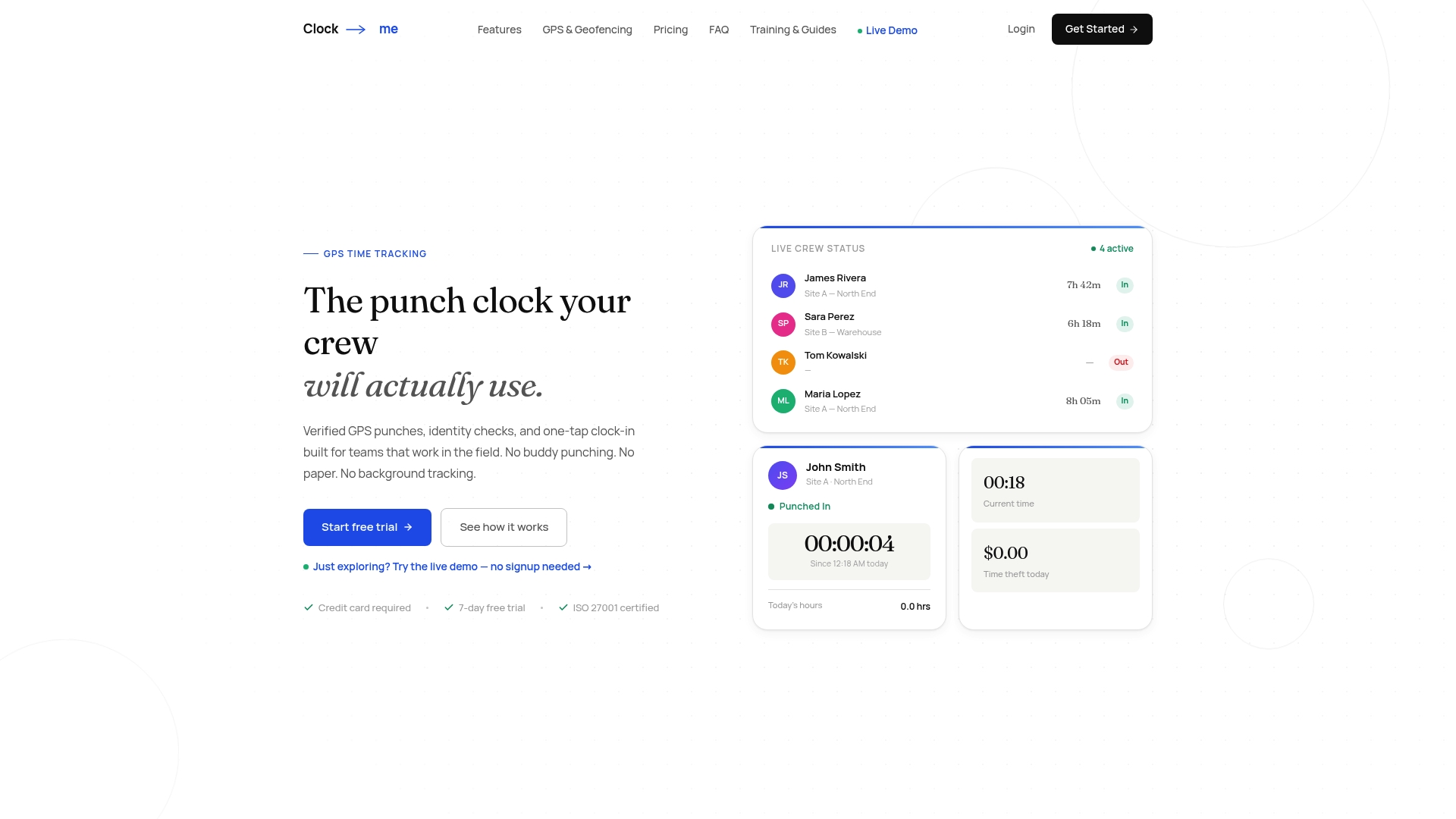
When you're evaluating any vendor for this job, look for a few things:
- Location and identity data tied directly to each punch, not a separate system you have to cross-reference.
- Exportable audit records that hold up for payroll and compliance review.
- A one-tap clock-in process employees will actually use without training friction.
- No-paperwork setup that a manager can configure without IT support.
If you want to see how this fits your team, check the Clock-Me solutions page for plan details, or walk through the GPS Time Tracking Setup Guide to see what onboarding actually looks like.
Sources
For legal detail, see the DOL's FLSA recordkeeping fact sheet. For configuration patterns, see PowerSchool's exception rule setup guide and Oracle's exception management documentation. For workforce reporting patterns, see this attendance data reporting guide.
- Fact Sheet #21: Recordkeeping Requirements under the Fair Labor Standards Act (FLSA)
- Setting up attendance exception rules — PowerSchool support
- Attendance management and sick leave — CSSEA guide
FAQ
Can you give me an example of management by exception?
Management by exception means a manager only steps in when a flagged deviation needs a decision, rather than reviewing every timecard line by line. A late arrival that trips a threshold gets pulled for review, while a normal on-time punch never reaches a manager's desk at all.
What is exception management?
Exception management is the process of detecting deviations from an expected outcome, in this case attendance, and resolving them through a documented decision. In attendance systems, that means reviewing flagged events, verifying what happened, and allowing or correcting the record before payroll is finalized.
What do exceptions mean on my timecard?
An exception on your timecard means the system detected a difference between your scheduled hours and what was actually recorded, such as a late clock-in or a missed punch. It doesn't automatically mean you did something wrong. It means a manager needs to review and confirm what happened.
What is a corrective action for attendance?
A corrective action is a formal step taken after a documented pattern of attendance issues, usually following earlier coaching conversations that didn't resolve the problem. Practitioner guidance recommends applying graduated responses consistently and documenting each step so the process stays fair and defensible across employees.