
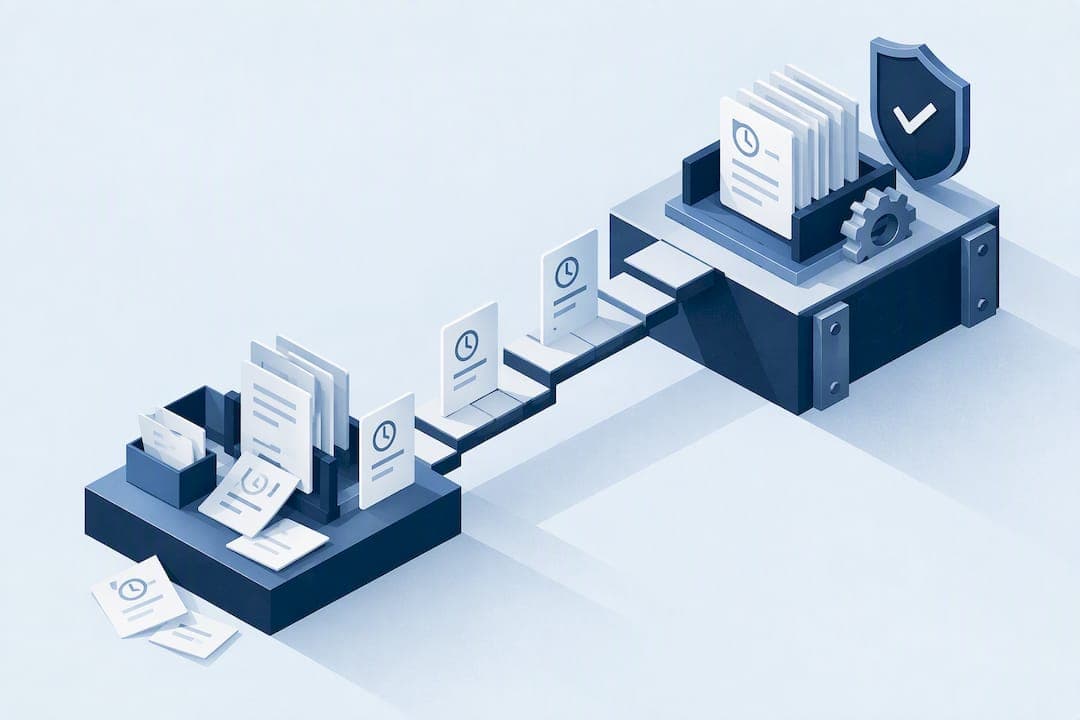
Electronic timekeeping is legal everywhere we operate, but the records it produces must be accurate, retrievable, and kept in an indelible, auditable format for as long as the law requires. The practical test is simple: can you export a time record with its full edit history right now, and does your system capture meal and rest breaks to the minute? If either answer is no, you have a compliance gap worth fixing today.
TL;DR:
- Ensuring electronic records can be exported with full edit history and include precise meal and rest break times is essential for compliance.
- California's stricter standards require indelible record formats and detailed break tracking, demanding systems that meet these higher thresholds.
- Retaining wage and time records for at least four years safeguards against multiple-year claims and ensures accessible records for former employees.
- Critical system features include minute-level capture, immutable audit logs, and verification methods to prevent buddy punching and unauthorized edits.
- Contractors must verify their systems support seamless data export, maintain historical audit logs across system changes, and allow access for former employees.
Table of Contents
- Federal rules and how states like California raise the bar
- Retention, accessibility, and what happens when you switch vendors
- System features that actually reduce legal risk
- What government contractors need beyond the basics
- Where compliance breaks down and how to check your own system
- Rolling out the fixes without disrupting payroll
- How these controls look in practice
- Why this matters more now than it used to
- How Clock-Me maps to the compliance checklist
- FAQ
- Sources
Federal rules and how states like California raise the bar
The federal baseline comes from the Fair Labor Standards Act, which requires employers to keep accurate records of hours worked and wages paid, available for review by investigators. The Department of Labor's guidance on recordkeeping spells out what counts as sufficient documentation, and electronic systems are acceptable as long as the data is complete and retrievable.
States often go further. California requires time records to be kept in "ink or other indelible form," with mandatory tracking of meal and rest breaks down to the start and stop time, not just a checkbox confirming a break happened. The state's Division of Labor Standards Enforcement also conditions electronic delivery of pay stubs on specific notice and access requirements, so switching to paperless pay statements is not automatic.
For employers with workers in multiple states, the safest approach is to apply the strictest applicable rule to each employee rather than running one generic policy nationwide. A payroll process built for the most permissive state will fail audits in the stricter ones.
Retention, accessibility, and what happens when you switch vendors
Statutory retention floors are the legal minimum, not the safe target. Because wage claims can reach back several years under various limitations periods, most employers retain time and pay records for at least four years rather than stopping at the minimum required window.
Employees and former employees often have a right to access their own wage statements, including printed copies at no cost where state law requires it. That right does not disappear when records move to an electronic system, and it does not disappear when an employee leaves the company.
Before you commit to a platform, confirm these basics:
- Records export in a readable, portable format such as CSV, not locked inside a proprietary dashboard.
- Historical data survives a vendor migration or software upgrade without gaps.
- Former employees' records remain accessible for the full retention period, not just while they are active in the system.
- A backup copy exists outside the vendor's platform in case of a service disruption or contract dispute.
System features that actually reduce legal risk
Not every timekeeping feature matters equally when a regulator or plaintiff's attorney asks for proof. A few controls do the heavy lifting.
- Minute-level capture and break flags: rounding entire shifts to the nearest quarter hour can erase evidence that a break was missed, which creates a presumption against the employer in many jurisdictions.
- Immutable audit logs: every edit should show who made it, when, the original value, and a reason code, not just a final number.
- Identity verification: device-based checks prevent buddy punching in ways that a GPS pin alone cannot, since a phone can be handed to a coworker.
- Role-based access and employee visibility: employees should be able to view and request their own records, while only authorized supervisors can make changes.
Pro Tip: Pull a random sample of five time records right now and check whether you can see every edit made to them, including who made it and why.
Where monitoring tools collect location or biometric data, a Data Protection Impact Assessment helps confirm the monitoring is proportionate, transparent, and subject to human review rather than fully automated decisions.
What government contractors need beyond the basics
Federal contractors face an additional layer of scrutiny from the Defense Contract Audit Agency, which expects verifiable, unbroken audit trails that survive system changes and vendor migrations. Losing historical edit data during a platform switch is one of the most common findings in contractor audits.

The Federal Acquisition Regulation also sets expectations around recordkeeping and the obligation to produce supporting data on request, which means a contractor's timekeeping system has to do more than track hours. It has to prove, on demand, that the hours billed match the hours worked and that every adjustment was documented and approved.
Before an audit arrives, contractors should test three things: whether records export cleanly in a usable format, whether the system captures employee attestation or signature on each timecard, and whether the audit log is complete across every historical pay period, not just recent ones.

Where compliance breaks down and how to check your own system
Most timekeeping failures are not dramatic. They show up as small, repeated patterns that add up to real liability.
- Reconcile a sample of punches to payroll to confirm the hours paid match the hours recorded.
- Review edit logs and approvals for any change made without a documented reason or a named approver.
- Confirm break start and stop times are captured, not just a generic "break taken" flag.
- Test rounding rules to see whether they consistently favor the employer over a large sample of punches.
- Verify export and former-employee access by pulling a record for someone no longer on staff.
Red flags include rounding that always benefits payroll rather than canceling out, edits with no stated reason, and historical records that cannot be exported once an employee leaves. Each of these should trigger an immediate policy review and a correction to the underlying system configuration, not just a one-time fix to the flagged record.
Rolling out the fixes without disrupting payroll
Once you know where the gaps are, the rollout follows a predictable order, supported by comprehensive employee time clock and attendance solutions for field crews.
- Adopt written policies covering timekeeping, break rules, and employee notice, including any required election for electronic pay stubs.
- Configure system controls for minute-level capture, break rules, edit workflows, and identity verification before you expand usage.
- Operationalize the checks with periodic payroll audits, a vendor service agreement that guarantees export access, and a scheduled retention review.
Pro Tip: Set a recurring quarterly reminder to pull a test export, not just when an audit notice arrives.
How these controls look in practice
Mapping legal requirements to concrete features makes the checklist easier to act on rather than theoretical.
- GPS-verified clock-ins paired with identity verification address the buddy-punching risk that location data alone cannot solve.
- Geofencing adds location evidence tied to each punch, supporting the audit trail auditors expect to see.
- Exportable audit logs and payroll export functions give HR and contractors a ready answer when records are requested.
Details on data handling are in the Data Safety Summary, and a walkthrough of setup steps is in the GPS Time Tracking Setup Guide.
Why this matters more now than it used to
Enforcement in this area has only gotten sharper, with increased scrutiny of wage-and-hour practices and higher stakes under representative-action statutes. We see proactive recordkeeping as routine compliance hygiene rather than a special project. Employers who test their exports and edit logs before a complaint arrives spend far less time and money defending them afterward.
— Clock-me
How Clock-Me maps to the compliance checklist
Our platform is designed around the key controls this checklist calls for, including identity verification to close the buddy-punching gap, exportable audit logs showing detailed edit histories, and geofencing to verify punch locations. None of that requires paper timesheets or a steep setup process.
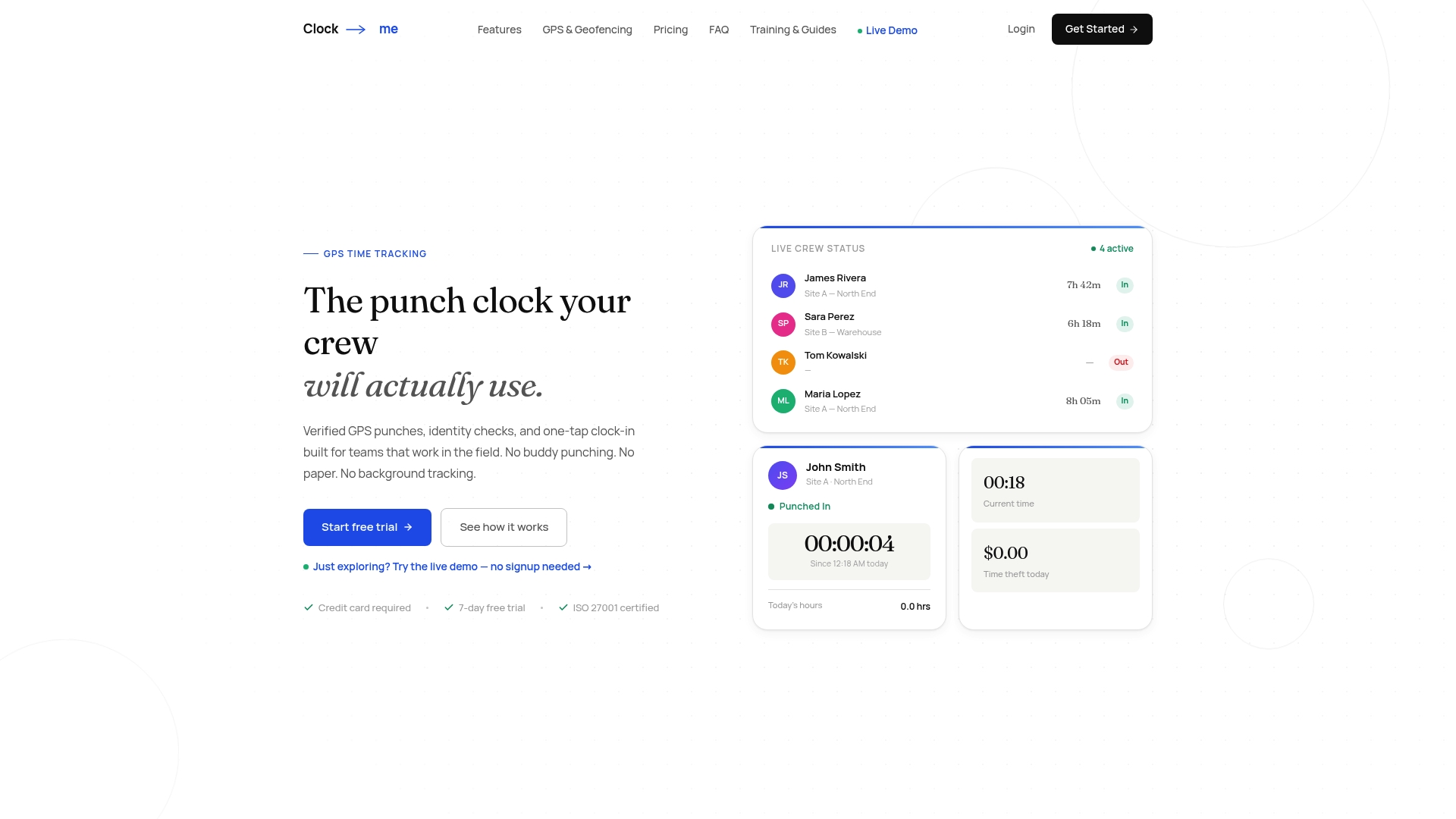
If you want to see how this holds up against your own records, our GPS Time Tracking Setup Guide walks through setup in minutes, and our solutions page outlines plans from Free through Enterprise so you can test an export on your own data before committing to a change.
FAQ
What is the 7 minute rule for employees?
Rounding time worked to the nearest quarter hour is a common practice, but it must not consistently favor the employer over time. Rounding is only lawful when it does not consistently favor the employer over time, so any system using it should be tested for fairness on a large sample of punches.
Can my employer monitor my emails without my knowledge?
Workplace monitoring policies vary by jurisdiction, and transparency is treated as a core requirement in most guidance on the subject. Employers introducing monitoring tools are generally expected to provide clear notice and, for more intrusive methods, complete a privacy impact review before deployment.
What are the federal timekeeping requirements for employers?
Federal law requires employers to keep accurate records of hours worked and wages paid, and those records must be available for review if a wage claim or audit arises. Electronic systems satisfy this requirement as long as the data is complete, accurate, and can be produced on request.
Can your boss change your clock in time?
A supervisor can correct a timecard, but a defensible system requires that every change be logged with the identity of the person making it, a timestamp, and a documented reason. An edit with no reason code or approver attached is one of the most common findings in a wage-and-hour audit.